Quick Summary: WordPress theme development is far more than selecting a template. It’s a strategic, end-to-end process covering design, development, testing, and deployment that shapes how users experience your brand and directly influences your conversions, SEO, and long-term growth.
Your site looks fine. So why’s it not working?
Here’s a scenario that’s more common than most business owners admit: the website is live, it’s technically functional, and it looks decent enough on a laptop. But leads are inconsistent. Pages load slowly on mobile. Every small change, swapping a headline, updating a service page, requires a developer ticket and a three-day wait.
The problem usually isn’t WordPress. It’s the theme.
Your WordPress theme is the structural foundation of your website. Your theme runs the show. Your theme? It’s running the show. It controls your layout, how fast pages load, whether it works on mobile, if Google can crawl it properly, and this one’s big whether your team can update content without breaking everything.
Here’s the thing: if that foundation’s shaky (think bloated premium templates or rushed custom jobs), everything you build on top inherits those exact same problems. Not great.
That’s the real case for professional WordPress Theme Development. Not just better aesthetics. A properly built theme performs faster, ranks better in search, and converts visitors into actual customers without constantly requiring developer intervention to keep it functional.
WordPress powers over 43% of all websites on the internet, and the flexibility it offers is genuinely unmatched. But flexibility without structure is just technical debt waiting to happen. Done right, WordPress Design and Development turns your website into a genuine business asset. Done poorly, it becomes a liability you’ll be quietly paying for in lost leads.
WordPress Theme Development: Full Process with us
Stage 1 – Discovery and Strategy: Start With the End in Mind
Every well-built WordPress theme starts with questions, not code. Before any wireframes are drawn or color palettes chosen, an experienced team needs to understand what success actually looks like for your business.
Key questions that shape the strategy:
- What’s the primary conversion goal: booking a call, requesting a quote, or making a purchase?
- Who’s the audience, and what objections do they typically arrive with?
- What integrations are essential: CRM, analytics, payment gateways, and marketing automation?
- What are the non-negotiable performance and SEO baselines?
This isn’t just “requirements gathering.” It’s what separates WordPress Website Design Services that deliver measurable ROI from those that deliver a good-looking website that quietly underperforms. The discovery phase is where your theme gets aligned with your revenue objectives, so every page, every component, every user flow has a purpose.
Businesses that invest time here tend to avoid the expensive redesign cycles that happen when teams skip it.
Stage 2 – Theme Design: Branding Meets Usability
Good WordPress theme design nails three things (easier said than done): your brand stays consistent, users get what they need fast, and your content’s flexible.
Here’s what that means:
- Brand consistency? Same fonts, colors, spacing, vibe-everywhere.
- UX clarity? People land on your site and instantly know what you do and how to reach you. No detective work needed.
- Content flexibility? Your marketing folks can whip up new pages without starting from scratch every time.
Modern design teams don’t just design individual pages anymore. They design systems, global headers and footers, hero sections, trust blocks, service grids, FAQ and comparison modules, and lead capture forms. The practical test: Can you reuse this design for new campaigns without rebuilding everything? If yes, you’re golden.
If yes, you have a real design system. If not, you have a collection of one-off pages that will create bottlenecks the moment your marketing calendar gets busy.
With mobile usage continuing to climb, particularly across markets in the USA, UK, and Australia, mobile-first design isn’t optional. It’s structural.
Stage 3 Development: Building the Engine Underneath
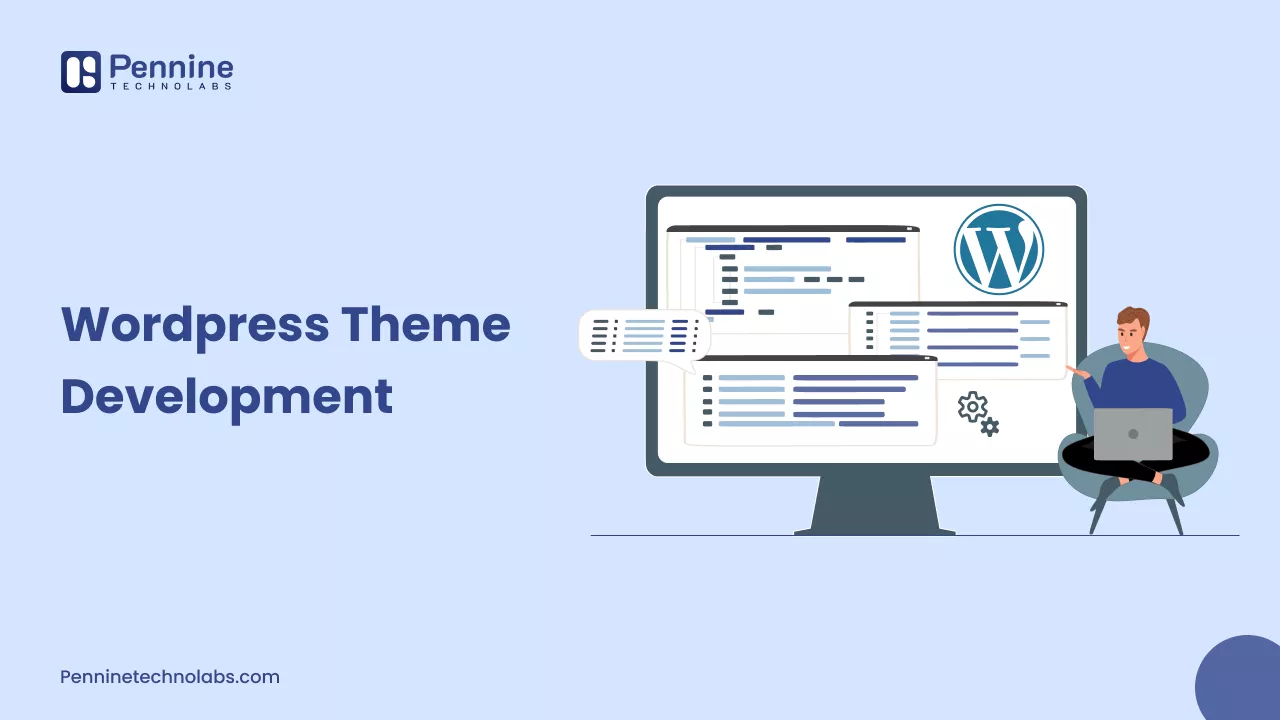
This is where professional WordPress Development Services stand clearly apart from template customization. The objective isn’t just making the design look right in a browser. It’s building a reliable technical foundation underneath it.
What does that actually look like when someone builds it properly?
- Clean code, follows WordPress standards, and won’t fall apart when you scale
- Full Gutenberg block editor supports your team to update content, no dev ticket needed
- Custom post types and reusable template parts so the site grows with you, not against you
- CSS and JS that load fast, nothing extra, nothing heavy
- Proper HTML5 structure and heading hierarchy so Google actually understands your pages
- Hooks into the tools you’re already running CRM, analytics, whatever’s in your stack
Oh, and there’s a real decision to make here: custom theme, Full Site Editing, or page builder. Each one’s a different trade-off.
A well-built custom theme gives you maximum performance and design control. A block-based FSE theme offers strong editorial flexibility with modern WordPress standards. Page builders can get you up and running quicker, no doubt.
But they can also drag down your site speed and lock you into a platform if you aren’t careful. A good dev team won’t just grab the fastest option. They’ll base their recommendation on your daily workflow, your performance goals, and where you want your business to be in a few years.
One principle that’s often overlooked: themes control how content is displayed. Plugins control what the site can do. Mixing those responsibilities creates portability problems down the line. Keep them separate.
Stage 4 – Testing: Where Revenue Gets Protected
Testing isn’t a checkbox before launch. It’s risk management.
A properly scoped test plan covers:
- Cross-browser compatibility (Chrome, Safari, Firefox, Edge, and iOS Safari deserves its own attention)
- Responsive WordPress themes across real screen sizes
- Page speed benchmarks against Core Web Vitals targets
- Accessibility standards at WCAG 2.2 AA
- Security vulnerability scanning
- Plugin compatibility
- User acceptance testing with your actual team
One pattern that comes up repeatedly: issues that only surface on specific devices or browsers don’t show up in a developer’s local environment. An e-commerce client once discovered during testing that their checkout flow broke on older Android devices, a bug that, left unfixed, would have silently lost transactions every day. Catching that before launch is the entire point.
For WordPress agency in Germany in particular, accessibility and GDPR/privacy compliance requirements can be strict. Testing is where you verify that those aren’t theoretical; they’re implemented.
Stage 5 – Staging and Deployment: The Last Line of Defense
A staging environment is a production mirror. Everything gets a final, real-world review before it goes live: server configuration, database behavior, performance under realistic traffic, and form submissions.
This is especially valuable for international clients. Whether you’re running a SaaS company, a retail business, or a professional services firm, your website needs to perform consistently regardless of where your audience is.
WordPress Theme Deployment itself involves more than uploading files. A professional process covers:
- DNS propagation and SSL configuration
- A redirect plan with SEO friendly WordPress Themes
- Analytics and conversion tracking verification
- A tested backup and rollback plan
- Post-launch monitoring in that critical 72-hour window where unexpected behavior is most likely to surface
Ask any development partner what their launch-day and post-launch process looks like. That answer tells you a lot.
Stage 6 – Post-Launch: You’re Not Done Yet
Going live is a big deal. It’s not the finish line. It’s not a finish line.
Ongoing maintenance, WordPress core and plugin updates, monthly performance audits, uptime monitoring, security patching, and regular reviews of analytics and Search Console data are what separate websites that quietly improve over time from those that slowly degrade. Sites that are maintained consistently are the ones that rank, convert, and grow.
About Pennine Technolabs
Pennine Technolabs is a leading WordPress development company in USA, we deliver WordPress services to businesses in the UK, Australia, Germany, and worldwide. We have got serious technical chops and actually understand business needs, giving you enterprise-quality work at prices that make sense for startups and established companies.
We handle custom WordPress theme customization, full website design and development, and ongoing support. Everything’s focused on performance, your brand, and real results. New site, redesign, or ongoing partner, they’ve got you covered.
FAQs on WordPress Theme
What’s the actual difference between installing a WordPress theme and custom WordPress theme development?
Installing a pre-built theme gives you a starting layout. Custom WordPress Theme Development builds a tailored foundation from the ground up, matching your specific brand, structuring templates around your content and conversion goals, and optimizing performance without the bloat that comes with one-size-fits-all solutions. If your website drives revenue, custom development vs. templates? Huge difference.
How long does WordPress theme development take?
Usually 4–10 weeks. Depends on complexity, templates needed, integrations, and approval speed. A solid process discovery, design, build, testing, and launch saves time and money. Complex projects take longer.
Does a custom WordPress theme help SEO and performance?
Absolutely-if it’s built right. Custom themes are genuinely better for SEO, clean code, logical headings, and no junk slowing things down. And that lean build? It directly lifts your Core Web Vitals scores, which is exactly what Google’s looking for right now. Better rankings, better UX, fewer bounces, more conversions.