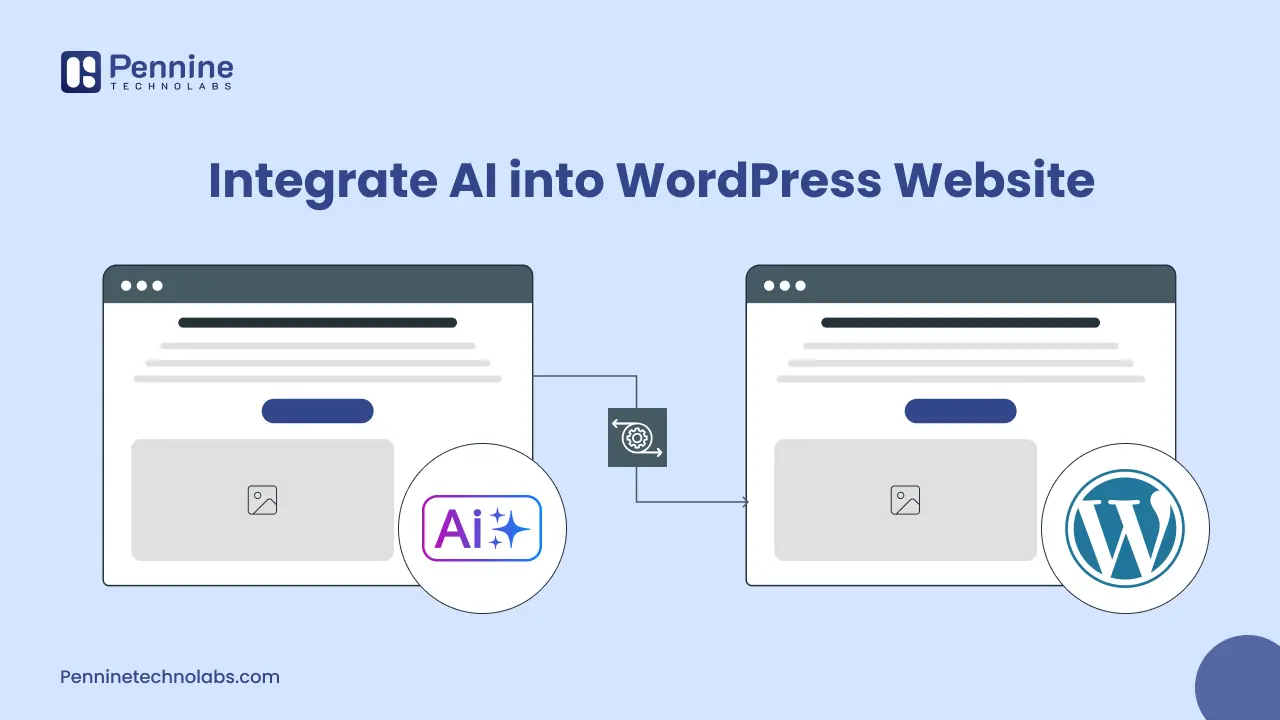
Quick Summary: A WordPress site does not have to stay static. AI brings in tools that quietly handle the repetitive stuff, sharpen how the site responds to visitors, and take some of the daily management load off your team. The key is choosing the right mix of plugins, API connections, and custom workflows so automation improves experience, content quality, lead capture, and operations.
Artificial intelligence is changing how businesses build, manage, optimize, and grow WordPress websites. From AI-generated content and SEO assistance to chatbots, personalized experiences, automated workflows, and AI-powered search, businesses can now integrate AI into many parts of a WordPress website.
AI can be added to WordPress in several ways, including dedicated plugins, third-party tools, APIs, automation platforms, and custom development. The right approach depends on the functionality you need, the systems you want to connect, and the level of customization your business requires.
In this guide, we’ll explore AI-native WordPress development, the best AI tools and plugins, AI integration options, practical use cases, benefits and limitations, development costs, and when custom AI WordPress development makes sense. A large share of this work gets done through WordPress development in USA. Teams there tend to combine real technical depth with pricing that gives businesses room to try new things without stretching every project into a budget conversation.
Why AI for WordPress Website?
AI fits naturally into WordPress for three straightforward reasons:
- Speed – A plugin can add a chatbot or writing assistant in minutes.
- Control – If an off-the-shelf tool feels limiting, developers can connect an API and shape the output around their goals.
- Scale – Once a workflow is working, you can repeat it across blogs, landing pages, WooCommerce stores, support desks, and internal publishing teams.
That is why many brands first test AI WordPress plugins and later move toward tailored WordPress development services. It is a practical path, not a flashy one. You solve one real problem first, measure the result, and only then expand into larger automation projects that save time without hurting site quality.
Best WordPress AI Plugins for your Website
If you want fast results, start with plugins that solve a specific job:
- Customer conversations. Tools like Tidio, AI Engine, or WPBot can answer common questions, collect contact details, and pass qualified leads to your team.
- Content support. Tools like Jetpack AI Assistant and Elementor AI sit right inside the editor, so drafting a section, reworking a paragraph, or throwing out fresh page ideas does not mean jumping between tabs or losing your train of thought.
- SEO. Rank Math handles the SEO side, nudging you toward better structure, cleaner schema, and the kind of refinements that actually register with search engines.
The trick is not to let the tool publish blindly. Use AI for acceleration, then let a human review tone, facts, and brand fit. That single habit lowers risk more than any prompt trick.
Plugin choice also depends on your setup. A busy WooCommerce store may need better chat and personalization. A service business may care more about forms, FAQs, and faster page production. Good WordPress web maintenance matters here too, because AI plugins still need updates, testing, and performance checks after launch.
When APIs Make More Sense
Plugins are convenient, but they are not always enough. Plugins stop making sense the moment AI needs to talk to your CRM, fit inside a booking flow, pull from your product catalog, or reference an internal knowledge base. That is when direct API integration opens things up. A developer can bring in OpenAI, Claude, or Gemini and wire them into WordPress properly, with secure calls, logic that matches your actual process, and access controls that keep the wrong people out of the wrong places. That means you can:
- Auto-generate image alt text when media is uploaded
- Create first-draft meta descriptions when a post is saved
- Build a chatbot that answers only from approved company content
This is where a seasoned WordPress development company becomes valuable. The real work is not just sending prompts to a model. It is deciding what data can be used, how outputs are reviewed, how costs are tracked, and how to keep the site fast. Strong integrations feel invisible to visitors. They simply make the website easier to use and the team faster behind the scenes.
How Can AI Be Used With WordPress?
AI can be applied to WordPress in many ways, from everyday content and marketing tasks to advanced business automation and custom applications. The most useful implementation depends on the website’s goals, audience, existing technology stack, and business processes.
AI Content Generation
AI can assist WordPress teams with content ideation, outlines, drafts, summaries, product descriptions, FAQs, and other repetitive writing tasks. AI-generated content should still be reviewed and edited by a human to maintain accuracy, originality, brand consistency, and useful first-hand information.
AI SEO Optimization
AI can support SEO workflows by helping teams identify content opportunities, create content briefs, optimize headings and metadata, identify internal linking opportunities, and improve content structure. It should be used as an assistant rather than as a replacement for SEO strategy and editorial review.
AI Chatbots
AI chatbots can be integrated into WordPress websites to answer frequently asked questions, guide visitors, qualify leads, provide product information, and assist customers outside normal business hours.
AI-Powered Search
Traditional WordPress search often relies heavily on matching words in a user’s query with website content. AI-powered search can use semantic understanding to identify the intent behind a query and return more relevant information.
AI Personalization
AI can help businesses create more personalized website experiences by using available customer or behavioral data to determine what information, products, content, or recommendations may be most relevant to a visitor.
AI Image Generation and Optimization
AI can assist with image creation, descriptions, alt text, resizing, optimization, and other visual content workflows. Businesses should still review generated images and descriptions for accuracy, accessibility, and brand suitability.
AI Workflow Automation
AI can be combined with WordPress forms, CRM systems, email platforms, databases, and other business applications to automate repetitive processes.
For example:
Website form → AI analyzes enquiry → Lead categorized → CRM updated → Sales team notified
AI-Assisted WordPress Development
AI can also support WordPress development by helping developers generate code, identify potential issues, create documentation, troubleshoot problems, and accelerate repetitive development tasks. Human developers remain responsible for reviewing, testing, securing, and maintaining the final implementation.
How to Keep AI Useful, Safe, and Search Ready
To get long-term value, start small and measure. Pick one workflow, test it on a staging site, and watch what changes in speed, engagement, or conversions.
- Keep API keys off the public site, limit permissions, and log requests where possible.
- Every AI-generated page needs a human read before it goes anywhere near a live URL.
- Helpful, specific writing earns search visibility far more reliably than content that just fills space.
- Questions need direct answers, headings need to reflect what people actually search, and FAQ responses should sound like something a real person would say, not something assembled from a prompt.
- Location relevance lands better when it grows out of the content itself, not when it feels like someone went back and inserted a city name after the writing was already done.
If you serve the USA, write for that audience. If your agency supports clients in the UK, reflect those needs on the relevant pages. Repeat that approach for Australia. Do the same for Germany. Many firms also rely on a White Label WordPress Agency when they need technical delivery under their own brand without adding an in-house development bench.
Limitations and Risks of AI in WordPress
AI can provide significant benefits, but businesses should also consider its limitations before implementing it on a WordPress website.
AI-Generated Errors
AI can produce incorrect or misleading information and therefore requires appropriate review.
Data Privacy
Sensitive customer or business information should not be sent to AI services without understanding how the data is processed and protected.
API and Usage Costs
AI services may charge based on usage, making cost monitoring important for high-traffic websites.
Plugin Security
Third-party AI plugins introduce additional software that needs to be maintained and secured.
Compatibility
AI plugins and integrations need to work properly with WordPress themes, plugins, hosting environments, and other systems.
Human Oversight
AI should support business processes rather than operate without appropriate monitoring where accuracy or customer impact is important.
This section improves the article’s credibility.
AI Plugin vs Custom AI Development for WordPress
| AI Plugin | Custom AI Development |
|---|---|
| Faster implementation | Requires development |
| Lower initial complexity | Higher implementation complexity |
| Suitable for common use cases | Suitable for unique requirements |
| Limited customization | Highly customizable |
| Depends on plugin capabilities | Greater control |
| Good for simple functionality | Better for complex integrations |
An AI plugin may be the right choice when you need standard functionality and want a relatively quick implementation. Custom AI development becomes more appropriate when the solution needs to interact with proprietary data, external systems, complex workflows, or unique business requirements.
When Do You Need Custom AI WordPress Development?
Custom AI WordPress development becomes useful when standard plugins and tools cannot provide the functionality your business requires.
Businesses may consider custom development when they need:
- Custom AI integrations
- CRM or ERP connectivity
- AI-powered search
- Custom chatbots
- Proprietary knowledge-base integration
- Advanced automation
- Custom reporting
- AI-powered ecommerce functionality
- API integrations
- Custom WordPress applications
The objective should be to solve a specific business requirement rather than customize WordPress simply for the sake of adding AI.
How Much Does AI WordPress Development Cost?
The cost of AI WordPress development depends heavily on the functionality being implemented. Adding an existing AI plugin is very different from building a custom AI application connected to a CRM, ERP, database, or other business system.
Key cost factors include:
- AI functionality
- AI model or API
- Number of integrations
- Data requirements
- Custom UI/UX
- Automation complexity
- Security requirements
- Website traffic
- Development time
- Ongoing maintenance
A simple plugin-based implementation generally requires less development work, while custom AI integrations and applications require more planning, development, testing, and ongoing support.
For an accurate estimate, the development scope and required integrations should be evaluated before determining the project cost.
Best Practices for Implementing AI in WordPress
Before adding AI to a WordPress website, businesses should evaluate the use case, technical requirements, data involved, and long-term maintenance requirements.
Define the Business Objective – Don’t implement AI simply because it is popular. Identify the problem AI needs to solve.
Choose the Right Implementation – Determine whether a plugin, API integration, automation platform, or custom development is appropriate.
Protect API Credentials – Never expose API keys in client-side code or publicly accessible files.
Protect Sensitive Data – Understand what information is being sent to external AI services.
Review AI Output – AI-generated content and responses should be tested for accuracy and relevance.
Monitor Costs – Track AI API usage, especially for high-traffic websites.
Test Before Launch – Test the AI functionality across different devices, user scenarios, and edge cases.
Plan for Maintenance – AI models, APIs, plugins, and integrations can change over time and require ongoing maintenance.
How Pennine Technolabs Integrate WordPress AI?
Pennine Technolabs provides business-focused WordPress Development Services from India for companies that want AI without chaos at any stage. We build secure integrations, custom chatbots, editorial workflows, WooCommerce automations, and performance-conscious improvements.
Our team includes experienced WordPress theme developers who know how to add modern features without slowing the front end or creating admin friction. We also support agencies that need a delivery partner behind the scenes. If you need a scalable team, ongoing support, or guidance before launch, we can help.
From planning and development to testing and WordPress web maintenance, our focus stays on outcomes: better user experience, operations, and websites that are easier to grow today.
FAQs for WordPress AI Integration
What is the easiest way to add AI to WordPress?
One plugin, one problem. That is genuinely the best place to begin. A chatbot or a content helper is something you can test, watch, and learn from without touching the rest of your site. Once you know what is working, adding more becomes a much less risky step.
When should I hire WordPress developers instead of relying on plugins?
The moment AI needs to touch private data, internal systems, or anything with more than two moving parts, plugins tend to show their limits fast. Custom development gives you cleaner logic, tighter security, and results that actually match how your business works rather than how a plugin was designed to work.
Is working with a WordPress development company in India a good choice?
For a lot of businesses, yes. The quality of technical work coming out of Indian development teams has grown considerably, and the engagement models tend to be flexible in ways that larger agencies simply are not. Clear communication and a proper QA process matter more than location, and the right team will have both.