Quick Summary: Explore how React Server Components improve application scalability, performance, and security. Learn production best practices for server-client boundaries, data fetching, caching, streaming, and error handling while avoiding common implementation mistakes.
A React app rarely gets slow all at once. The dashboard that launched with a few charts picks up five data sources, every filter ends up as a client component, and one day the bundle report lands in a sprint review next to a product page that waits on three API calls running one after another. Server Components were designed for exactly this kind of drift, since they let you decide component by component what has to run in the browser and what can stay on the server.
Yet the feature alone fixes very little, because a team that scatters ‘use client’ across the tree and fetches data carelessly will probably end up with the same slow page and a more confusing codebase. React Server Components in production come down to architecture: where the boundaries sit, how data is fetched and what gets cached. This RSC production guide covers those decisions the way they tend to appear on real projects.
What Are React Server Components, and How Do They Differ from SSR?
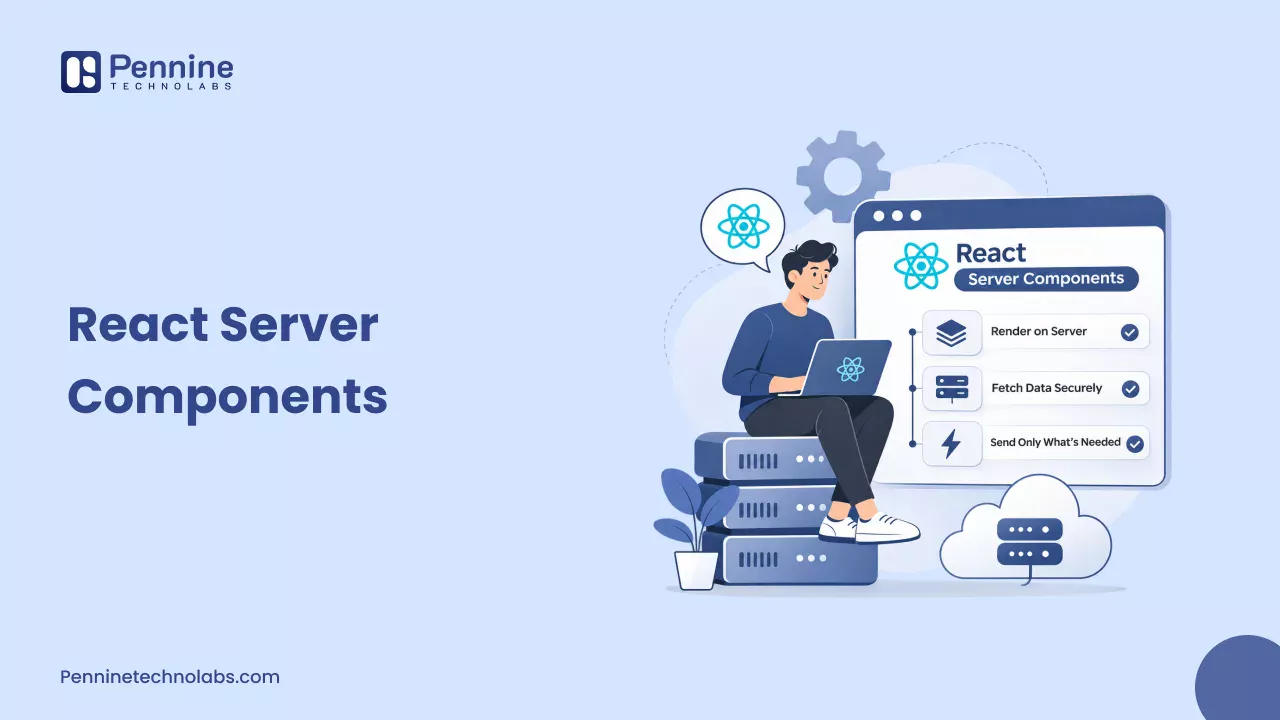
React Server Components are components that render ahead of time, before bundling, in an environment separate from your client app or SSR server. They can run once at build time or on each request, and because their code is never sent to the browser, they can read from a database or filesystem directly. Client Components, marked with ‘use client‘, handle state, event handlers and browser APIs.
Server Components and SSR are different things that work together. SSR produces the initial HTML for a page, while Server Components decide where a component’s code runs in the first place, and React treats SSR as an optional step applied to their output. In Next.js, Client Components also run on the server during the first render, so they must follow the same security assumptions as browser code. Server Components cannot use useState or event handlers, so interactivity comes from composing them with Client Components.
Why React Server Components Matter in Production
The practical gain is that only Client modules are bundled and evaluated by the browser. React’s own example of rendering markdown on the server avoids sending roughly 75K gzipped of libraries to every visitor, and the same approach keeps credentials and query logic out of client code. It also helps with structure, because a component can fetch what it needs instead of receiving props through several layers, which avoids the client-server waterfalls common in effect-based fetching.
None of this guarantees speed. Real performance still depends on caching, network conditions, query quality and how carefully the tree is built, and RSC does not automatically improve SEO or Core Web Vitals.
React Server Components Best Practices for Scalable Applications
#1 Draw the server-client boundary deliberately
A‘use client’ directive marks the module and all of its transitive dependencies as client code, so it defines a boundary in the module tree and is not a switch for one component. Placing it on a layout wrapper would probably pull a large part of the app into the bundle. Keep it on small interactive pieces such as a filter dropdown, and remember that a Client Component can still receive Server Components as children.
#2 Fetch data next to the components that use it
Server Components can await data directly, and Next.js memoizes identical fetch calls within a render, so you do not need to pass props down just to share results. Requests inside one component can still run one after another, so start them together and await them with Promise.all when they are independent. For ORM queries, wrapping the function in React.cache shares one result within a single request only.
#3 Use Client Components only where interaction requires them
Forms, dropdowns, charts that respond to pointer events and dashboard filters belong on the client, while the server fetches the data and passes plain serializable props. If a third-party library relies on hooks or browser APIs, put a thin Client Component between it and your server code.
#4 Design for reusable components
A component that uses no server-only or client-only features can run in either place, depending on where it is imported. Keep presentational components free of hooks and put interactivity in small wrappers, so the client footprint does not grow by accident.
#5 Plan error and loading states early
Wrap slow sections in Suspense boundaries with meaningful skeletons, and put error boundaries around sections that can fail independently, so a broken recommendations call does not take down the whole page.
React Streaming Components: Managing Progressive Rendering
Streaming means the server breaks a page into chunks and sends them progressively, so users see ready content while slower sections are still loading. Take an ecommerce product page. The name, price and images are awaited and arrive first, while reviews and recommendations sit in their own Suspense boundaries with skeletons, and live stock availability, which changes per request, streams in separately.
Streaming improves perceived performance, but it does not make a slow query faster. Anything outside a boundary still blocks the first response, and in Next.js a layout that reads uncached or runtime data blocks navigation instead of falling back to loading.js, so boundaries belong close to the data. Next.js also serves bots and crawlers the fully rendered page instead of a stream, so you should not assume streaming changes what a crawler receives.
Production Challenges and Security Considerations
Authorize at the data layer: Next.js recommends a server-only data access layer that checks authorization and returns minimal data transfer objects, since props passed to Client Components are visible in the browser. Environment variables with the NEXT_PUBLIC_ prefix are exposed to the client, and the server-only package makes a build fail if a server module is imported into client code. React’s taint APIs are still experimental, so treat them as an extra guard and not a substitute for shaping data.
Keep Server Components and Server Functions separate: Server Functions are async functions that Client Components call on the server, and in Next.js an exported Server Action creates a public HTTP endpoint, so it needs the same authentication and validation as any API route.
Be careful with caching: This part belongs to the framework, not React core. Current Next.js docs state that fetch requests are not cached by default and that React.cache is scoped to one request, so shared caches such as use cache should never hold user-specific output without a key that separates users.
Beyond that, monitor server render times per route, because slow data sources now show up in server metrics instead of the browser, and test against production builds so serialization errors and boundary mistakes surface before release.
React Server Components Implementation Mistakes You Should Avoid
- Putting ‘use client’ too high: It enlarges the client bundle and cancels much of the benefit.
- Treating Server Components as a replacement for Client Components: Interactivity still needs the client.
- Assuming automatic caching: Defaults differ between frameworks and versions, so verify them.
- Passing unsafe or non-serializable values: Class instances and plain functions fail, and full database records leak fields.
- Skipping production testing: Development mode hides boundary and caching problems.
- Overbuilding the architecture: More layers than the product needs make debugging harder.
When Should Businesses Consider Professional React Development?
Many teams can adopt RSC on their own, but some situations justify experienced help: complex SaaS applications with many data sources, migrations of existing client-rendered apps where boundaries must be introduced gradually, data-heavy dashboards, scalable ecommerce interfaces, and integrations with APIs and backend systems.
In those cases, it is worth looking for React development that covers architecture, caching, and security rather than components alone, and when you hire React developer talent, ask what they have actually shipped on an RSC stack. Teams comparing React development USA providers should ask the same questions about boundary reviews, cache strategy, and production testing.
Our React development services cover this kind of work, and you can bring in dedicated ReactJS developers when a project needs extra capacity. If the data layer needs work too, our Node.js development team handles the backend.
Build a React Architecture That Is Ready to Scale
Server Components pay off when the decisions around them are made early: where the client boundary starts, which requests run in parallel, what is safe to cache, and where authorization lives. Teams that skip those conversations tend to rediscover them in production, usually under load.
Pennine Technolabs works with product teams on React development and custom web application development, from planning the component architecture to supporting it after launch. If you are starting an RSC-based build or reviewing one that has become hard to reason about, share your requirements with our team, and we will help you map the boundaries, data layer, and rollout plan.