Quick Summary: Logistics software connects shipment, fleet, warehouse, order and reporting workflows into one system instead of several disconnected tools. Development cost depends on the features needed, integrations with existing platforms, technical complexity, chosen technology stack and overall project scope.
A logistics company managing shipments, drivers, vehicles and warehouses across separate tools often runs into the same problems: duplicate data entry, delayed updates and no single view of what is actually happening.
Logistics software development solves this by connecting shipment, fleet, warehouse and order workflows into one system built around the business’s actual operations. Pennine Technolabs builds this kind of logistics software for logistics and supply chain companies looking to reduce these gaps.
What is Logistics Software Development?
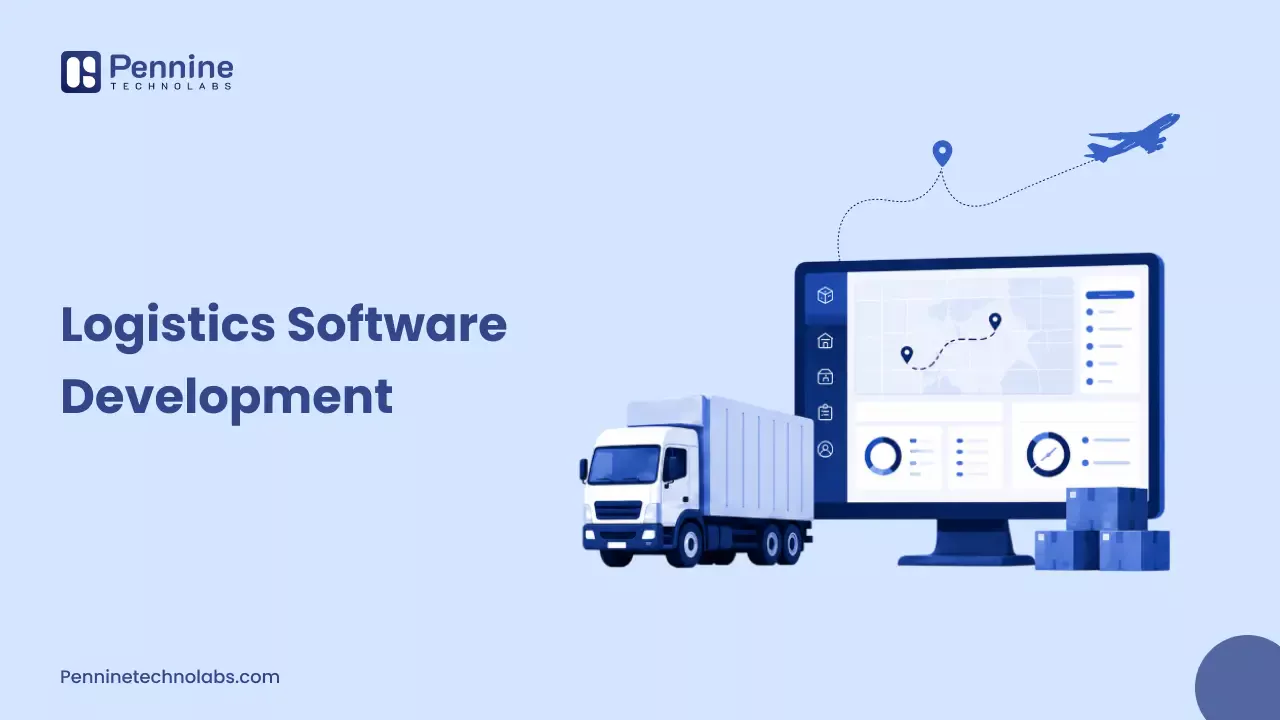
Logistics software development is the process of building applications that manage specific logistics workflows, rather than adapting a general business tool to fit them. That can include shipment management, fleet operations, transportation planning, delivery tracking, route planning, warehouse coordination, order management, customer portals and reporting.
The goal is usually to reduce manual work, cut duplicate data entry and give teams (and customers) a clearer picture of what is happening across the operation at any given moment.
Off-the-shelf Logistics Software
Off-the-shelf platforms are ready to use quickly and usually cover common workflows well. They can be a sensible starting point when requirements are fairly standard and budget or speed matters more than deep customisation.
Custom Logistics Software
Custom logistics software solutions make more sense when standard platforms cannot efficiently support a company’s specific processes. This is common for 3PL providers juggling multiple client workflows, or fleet operators with unusual routing and compliance requirements. Custom is not automatically the better option. It depends on the gap between what an off-the-shelf tool offers and what the business actually needs.
What Types of Logistics Software Can You Build?
Most logistics software development projects fall into a handful of categories, and many businesses end up combining two or three of them.
Transportation Management Software
Transportation management software (TMS) handles shipment planning, carrier selection, freight management and visibility across multiple transportation legs.
Fleet Management Software
Fleet management software focuses on vehicle tracking, driver management, maintenance scheduling, fuel monitoring and overall fleet utilisation.
Warehouse and Logistics Software
This covers inventory movement, picking, packing, dispatch and general warehouse coordination, usually working alongside a warehouse management system (WMS).
Delivery Management Software
Delivery management software handles scheduling, driver assignment, route planning, live delivery tracking and proof of delivery.
Customer Logistics Portals
A customer logistics portal gives clients shipment visibility, order status, documents and a direct communication channel, without needing to call the operations team.
What Features Should Logistics Software Include?
The right feature set depends entirely on the business workflow. A 3PL provider serving several clients needs a different mix than a fleet operator running its own trucks. Here are the components that come up most often.
Shipment Management
This covers shipment creation, status updates and end-to-end tracking, usually the core of any logistics management software development project.
Real-Time Tracking
Real-time tracking uses GPS or carrier location data to show where a shipment or vehicle actually is. Not every logistics business needs live GPS tracking. It depends on how much real-time visibility customers or internal teams genuinely require.
Route Planning
Route planning and optimisation tools help reduce fuel cost and delivery time by calculating efficient paths for drivers, factoring in stops, traffic and delivery windows.
Fleet Management
This includes vehicle records, driver assignments, maintenance schedules and utilisation reporting, so fleet managers can see which vehicles are underused or overdue for service.
Order Management
Order management connects incoming orders to fulfilment and delivery workflows, so an order does not have to be manually re-entered at each stage.
Warehouse Management
Where relevant, this covers inventory movement, picking, packing and dispatch, usually tied closely to WMS integration.
Customer Portal
A customer portal lets clients check order status and shipment progress themselves, reducing the number of “where is my order” calls to the support team.
Notifications
Automated notifications for shipment updates, delivery alerts, exceptions and delays keep both customers and internal teams informed without manual follow-up.
Reporting and Analytics
Reporting covers delivery performance, shipment status, fleet utilisation, delays, costs and other operational KPIs, giving managers the data to actually improve the operation rather than just observe it.
Role-Based Access
Administrators, dispatchers, drivers and customers usually need different permissions. A 3PL company’s internal team may need a detailed operations dashboard, while its customers only need visibility into their own shipments, which is why role-based access matters from day one.
Document Management
This covers proof of delivery, invoices, shipping documents and any other paperwork logistics teams handle daily, ideally stored and searchable within the same system.
How Much Does Logistics Software Development Cost?
There is no single fixed price for logistics software development. Cost depends on features, complexity, number of users, integrations, the development team involved, technology stack, mobile requirements, data migration, security, scalability, UI/UX needs, third-party APIs and post-launch support.
The table below is an illustrative way to think about scope levels, not a fixed market price.
| Project level | Typical scope | Cost consideration |
|---|---|---|
| Basic | Core shipment or order workflows | Lower complexity |
| Mid-level | Tracking, dashboards, a few integrations | Moderate complexity |
| Advanced | Multiple system integrations, automation, real-time workflows | High complexity |
A basic MVP with core shipment tracking will cost meaningfully less than an advanced platform connecting ERP, WMS, TMS and GPS data in real time. A reliable number only comes after requirements and technical scope are properly understood.
What Affects the Cost of Logistics Software?
Feature complexity
More workflows and business rules mean more development and testing time.
Number of user roles
Each additional role (admin, dispatcher, driver, customer) usually means more permission logic and interface variations.
Third-party integrations
Connecting to ERP, WMS, TMS, GPS or carrier APIs adds development effort, especially when the existing systems have inconsistent or undocumented APIs.
Real-time tracking
Live location and status updates require additional infrastructure for handling frequent data updates reliably.
Mobile applications
Driver or field apps add a separate development track alongside the web platform.
Data migration
Moving existing shipment, customer or inventory records into a new system takes planning, especially if the source data is inconsistent.
Security requirements
Logistics platforms often handle customer data, payment information and compliance-sensitive records, so security work is not optional.
Scalability
Building for future order volume or new regions from the start avoids a costly rebuild later.
UI/UX complexity
Dashboards with dense operational data generally need more design effort than simple order forms.
Maintenance and support
Ongoing costs (bug fixes, security patches, feature updates) are separate from the initial build and should be budgeted for separately.
Which Integrations Does Logistics Software Need?
- ERP – ERP integration connects orders, inventory, customer information and financial data across the business.
- WMS – Warehouse management system integration keeps inventory and fulfilment workflows synchronised with the rest of the operation.
- TMS – Transportation management system integration supports planning and execution across carriers and routes.
- CRM – CRM integration keeps customer information and communication history in one place.
- GPS and Mapping APIs – These provide location, routing, distance and ETA data where real-time visibility is genuinely needed.
- Accounting – Accounting integration connects logistics activity to invoicing and financial workflows.
- Carrier APIs – Where supported, carrier APIs provide rates, labels, shipment updates and tracking data directly.
Integration architecture should be planned early rather than added as an afterthought. Connecting every system directly with point-to-point integrations can get messy fast; middleware or event-based architecture is often a more maintainable approach as the number of connected systems grows. Standardised identifiers such as GTINs and event-based data sharing, the kind defined by GS1’s global traceability standard, are one example of how logistics data can stay consistent as it moves between systems.
What Technology Is Used for a Logistics Web Application?
Frontend
Common choices include React, Next.js and Vue, depending on how interactive the dashboards need to be.
Backend
Node.js, Python, Java, .NET and PHP are all commonly used, with the choice often driven by the team’s existing expertise and the project’s performance needs.
Database
PostgreSQL, MySQL and MongoDB are typical options, chosen based on how structured (or unstructured) the data is.
APIs
APIs are what allow a logistics web application to exchange information with ERP, WMS, TMS, carrier and mapping systems.
Cloud Infrastructure
AWS, Microsoft Azure and Google Cloud all support the scalability and uptime that logistics platforms typically need. Pennine Technolabs’ AWS development work, for example, covers this kind of cloud infrastructure setup.
No single stack is universally superior. The right choice depends on the specific requirements, existing systems and team expertise involved.
How Long Does It Take to Build Logistics Software?
Basic MVP
Limited workflows and few integrations, generally the fastest path to a usable product.
Mid-level platform
More users, dashboards, integrations and business rules extend the timeline accordingly.
Enterprise platform
Complex integrations, high data volumes, real-time workflows, mobile applications and extensive testing all add time.
A reliable timeline should come after requirements and technical scope are properly understood rather than before.
Should You Build Custom Logistics Software?
Custom development may make sense when:
- Existing software does not fit the actual workflow
- The business has genuinely unique processes
- Multiple systems need to work together closely
- A custom customer portal is required
- Existing software creates operational bottlenecks
- The business needs more control over its workflows
Existing software may be better when:
- Requirements are fairly standard
- Budget is limited
- Speed is the priority
- Existing software already solves the core problem
Sometimes the right answer sits in between: modernising or extending an existing system rather than rebuilding from scratch. Application modernization work can bring an ageing logistics platform up to current performance and integration standards without a full rebuild.
Bringing It Together
Good logistics software starts with understanding the operational problem before choosing features or technology. Features, integrations, cost, development process, scalability, security and long-term support all follow from that starting point, not the other way round.
Getting shipment tracking, fleet management, warehouse coordination and customer visibility working together in one system usually pays off faster than trying to patch disconnected tools indefinitely.
If you are weighing up a logistics management software development project, whether that is a full logistics web application or targeted API integrations with your existing ERP, WMS or TMS, just schedule a conversation around your specific requirements, data migration needs and technical architecture.