Quick Summary: Well, in case your marketing team keeps rebuilding the same page sections, or every new page needs a developer just to move things around, it’s usually a sign you need a custom Gutenberg block, a reusable component that lets editors update headlines, images, or pricing tables without touching code, while developers control structure and accessibility. Building one means spotting the pattern, deciding what’s editable, then registering it, whether with native blocks or ACF depending on your team’s strengths.
Your marketing team needs a new landing page. The hero section looks slightly different from last time. The CTA button uses the wrong shade of blue. Someone copies an old page to save time, and now three pages have three different layouts for the same content type.
This is not a design problem. It is a content workflow problem, and it shows up on almost every WordPress site that grows past a handful of pages.
Custom native Gutenberg blocks solve this by giving marketers a controlled way to build the sections they use repeatedly, without depending on a developer for every page or risking a broken layout every time someone edits content.
What is a Custom Gutenberg Block?
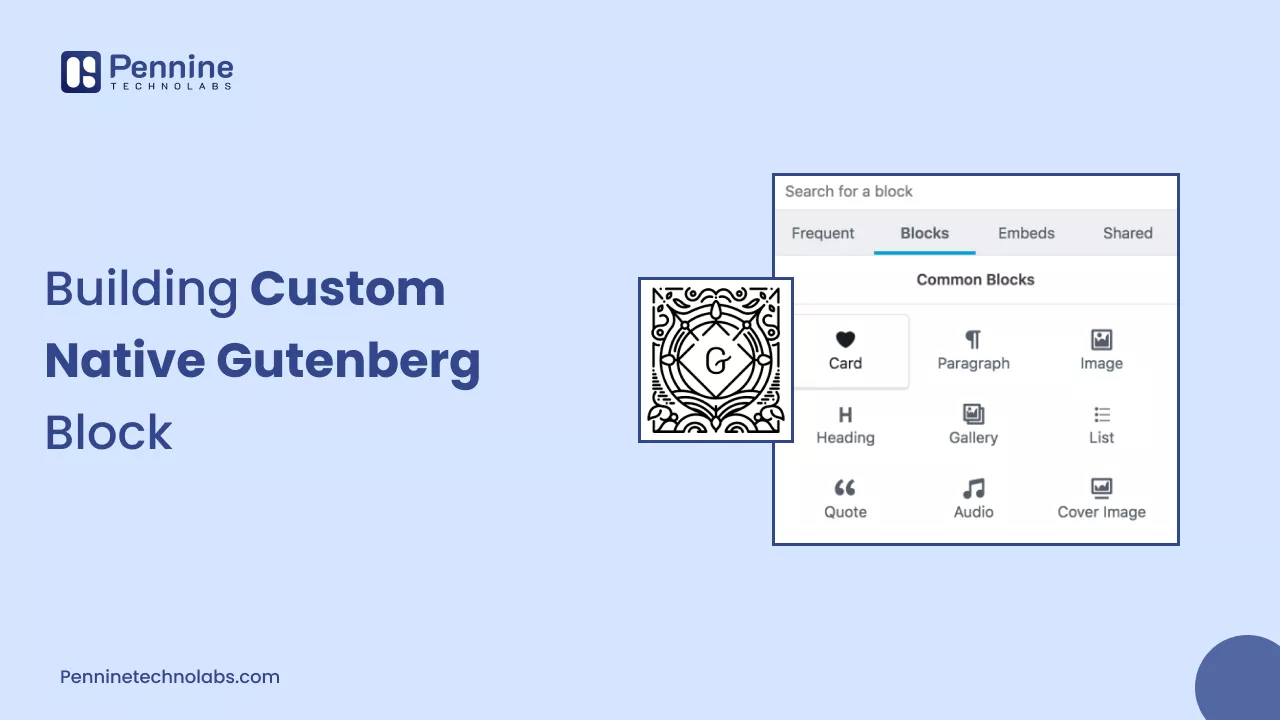
A custom Gutenberg block is a purpose-built content component, created for a specific website, that marketers can insert, edit, and rearrange inside the WordPress Block Editor without touching code.
Unlike default blocks such as paragraph or image, a custom block is designed around a company’s actual marketing components: a hero section, a testimonial layout, a pricing table, a statistics row, or a case study card.
Each custom block is registered using the WordPress Block API, which defines what the block looks like, what content it stores, and how that content is edited and displayed. Building blocks like this is a standard part of modern WordPress development services, alongside theme work and ongoing support.
Why Marketing Teams Need Custom Gutenberg Blocks
Marketing teams that publish regularly tend to reuse the same handful of layouts: hero sections, feature grids, logo walls, and campaign landing page components. Without controlled blocks, three problems show up repeatedly.
Developer dependency: Every new landing page becomes a ticket for a developer, slowing down time-sensitive marketing work.
Inconsistent layouts: Marketers duplicate old pages or approximate a layout with flexible page builders, and small differences accumulate until the brand starts looking inconsistent.
Fragile editing: Generic block combinations and page builders can break when a non-technical editor moves elements around or deletes a wrapping element by accident.
A custom block removes the guesswork. The marketer sees only the fields relevant to that section, while everything else about the layout stays fixed.
Editing Freedom Without Breaking the Design
The core idea behind a well-built custom block is separating what marketers can change from what developers control.
Marketers can typically edit: headings and body copy, images and media, links and CTA labels, approved colour options, and layout variations built into the block on purpose.
Developers control: the underlying HTML structure, spacing and typography rules, responsive behaviour, CSS classes, front-end scripts, and accessibility requirements built into the markup.
This division removes the two failure points of open-ended page builders. Marketers are not forced to make design decisions they were never trained to make, and developers are not stuck fixing broken pages after every campaign launch. Block attributes, defined in the block’s block.json file, define exactly which pieces of content are editable and how WordPress stores them.
How a Native Gutenberg Block Is Built
Professional block development follows a fairly consistent process:
- Identify a repeated content pattern, such as a hero section that appears across multiple pages.
- Define what marketers need to edit, for example a heading, image, and CTA.
- Define what developers must control, such as spacing rules and allowed colour variations.
- Register the block using block.json, setting its name, category, icon, and attributes.
- Build the editor interface using Block Editor components, typically written in JavaScript and JSX.
- Decide how content is rendered. A static block saves its HTML to the database. A dynamic block generates markup with PHP on each page load, useful for content that updates automatically, such as recent case studies.
- Add editor and front-end styles so the block looks correct in both places.
- Test responsive behaviour, accessibility, and keyboard navigation.
- Test the block with real marketing content, not placeholder text.
- Document the block so the marketing team knows what each field does.
This is why block development is a proper engineering task rather than a quick customization, and often overlaps with broader wordpress theme development work when a block needs to match an existing design system closely.
Also read: WordPress Theme Development Process.
Native Gutenberg Blocks vs ACF Blocks
Neither approach is automatically better. ACF blocks, built with Advanced Custom Fields, use a PHP-focused workflow that often means faster implementation for teams with strong PHP skills and existing ACF field groups.
Native Gutenberg blocks, registered through the core Block API, integrate more directly with the Block Editor’s component system, including how attributes are stored and how a block interacts with InnerBlocks and block patterns.
The right choice depends on the project’s existing WordPress architecture, the team’s JavaScript versus PHP strengths, and how the site will be maintained long term.
Custom Gutenberg Blocks vs Page Builders
Page builders such as Elementor or Divi offer broad layout flexibility. A marketer can build almost any layout visually, without waiting on a developer. Custom Gutenberg blocks take a narrower approach: a fixed set of fields built around components the company actually uses, instead of open-ended layout freedom.
- Page builders favour editing freedom and fast visual changes, at the cost of design consistency and sometimes added front-end code.
- Custom blocks favour brand consistency and developer-defined structure, at the cost of upfront development work.
For a company publishing many similar landing pages or maintaining a strict design system, custom blocks usually reduce long-term inconsistency. Many WordPress sites use a mix of both.
Performance and Accessibility
Custom blocks do not automatically improve website performance or search rankings. Results depend on how the block is built, what scripts and styles it loads, how media is handled, and the hosting environment.
A well-built block only loads the scripts and styles it needs, using the editorScript, script, and style properties in block.json. A poorly built block can add unnecessary JavaScript or unoptimized images that slow the page down, regardless of whether it is a native block, an ACF block, or a page builder element.
Google evaluates real user experience through Core Web Vitals. According to Google Search Central, a good experience means Largest Contentful Paint under 2.5 seconds, Interaction to Next Paint under 200 milliseconds, and Cumulative Layout Shift under 0.1, reflecting the entire page rather than any single block.
Accessibility follows the same logic. A block should support keyboard navigation, proper heading structure, and sufficient colour contrast, as per the Web Content Accessibility Guidelines. Most US legal and contractual standards reference WCAG 2.2 Level AA as the practical benchmark.
You might also like: Web Development Best Practices in 2026
Custom Blocks Need Ongoing Maintenance
A custom block is not a one-time build. WordPress core updates, changes to the Block API, and theme updates can all affect how a block behaves, and a block that worked correctly a year ago can develop validation errors if nobody has reviewed it since launch.
This is why custom blocks belong in regular wordpress development and maintenance work, alongside plugin updates and security patches. Good practice includes:
- Keeping the block’s code in version control
- Documenting what each block does and how it should be used
- Testing block updates on a staging environment before pushing live
- Reviewing custom blocks after major WordPress or theme updates
Ongoing wordpress maintenance is what keeps a custom block reliable years after launch, not just on day one.
Also read: What Is WordPress Website Maintenance?
When Do You Need Developer Support for Custom Blocks?
Look at how often these situations come up:
- Marketing repeatedly requests the same layout, and each request needs a developer
- Editors frequently break page designs while making routine content changes
- The company publishes many landing pages that should look and behave consistently
- The website has a defined design system that pages need to follow
- Existing blocks do not support business-specific content types
- Custom blocks are already in use but need ongoing technical maintenance
If two or more of these sound familiar, it is usually time to hire a WordPress developer with block development experience, rather than patching the problem with copied pages. Our team at Pennine Technolabs handles this as part of ongoing WordPress development and maintenance for growing marketing sites.
What to Ask Before Starting a Custom Block Project
- Which content patterns are we repeating most often across the site?
- What should marketers be able to edit, and what should stay fixed?
- Will these be static or dynamic blocks, and why?
- How will blocks be tested for accessibility and responsive behaviour?
- Who documents the blocks for the marketing team once they are built?
- What is the plan for maintaining these blocks after WordPress updates?
Build a Better WordPress Editing Workflow
Custom native Gutenberg blocks give marketing teams a faster, more consistent way to publish content, without asking developers to rebuild the same sections repeatedly or asking marketers to make design decisions they were never meant to make.
Getting this balance right, enough editing freedom for marketers and enough structure for developers, is what separates a block that holds up over time from one that needs constant fixing. It is the kind of work that benefits from experienced WordPress development services rather than a quick plugin shortcut, and it’s what Pennine Technolabs builds for marketing teams that have outgrown their current editing workflow.
If your team needs custom blocks built around your actual content, hire a WordPress developer to scope the project, or contact our team to talk through your website’s current setup.