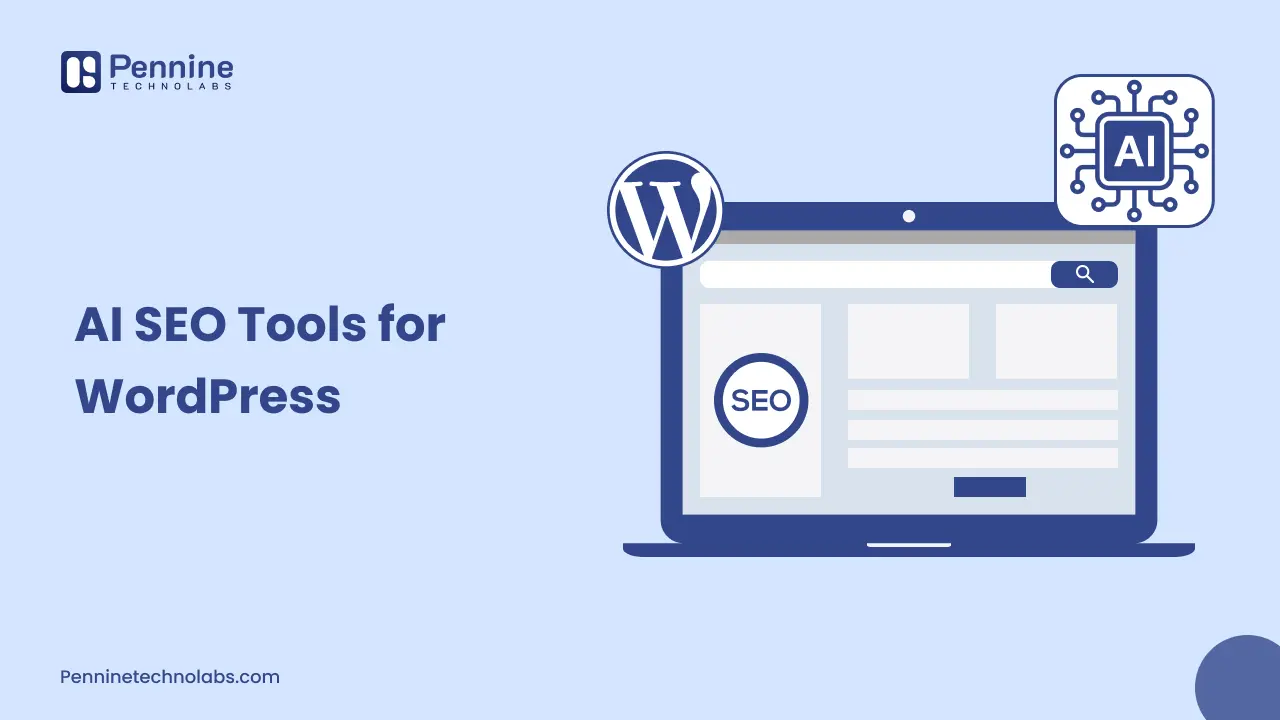
Quick Summary: There are dozens of AI SEO tools for WordPress in the market right now. Most of them do the same three things with a different logo. This guide cuts through that. It covers what these tools genuinely improve, where they create problems that nobody warns you about, and the AI WordPress optimization moves that are actually moving rankings in 2026, not just generating word counts.
If you have a WordPress site and no one has pitched you an AI SEO tool in the last 6 months, you’re probably not looking at your inbox. Rank Math AI, Surfer SEO.Clearscope, NeuronWriter. SEObot, the list never seems to end. Each of them seems to promise the same thing: higher rankings, faster content creation, and less manual labour.
It’s not that these tools are lousy: it’s the opposite. It does provide some genuinely useful ones. The problem is (as most people use them incorrectly) running AI-written content through an AI WordPress optimization plugin and calling it an SEO strategy! Google’s systems are becoming increasingly better at recognizing that pattern, and the shortcuts taken by the sites are starting to show their effects.
A guide for owners of WordPress sites, in-house marketers and developers who want to know what these tools actually do, how they help, and how mistakes look before they cause ranking problems.
AI SEO Tools for WordPress: What are They Actually Doing
It is useful to understand exactly what the category means before selecting which tool to use. The WordPress AI SEO tools mostly exist in one of the three functional domain areas:
1. Content Analysis and Optimization
For example, tools like Surfer SEO, Clearscope, and NeuronWriter take a look at the pages that rank for your desired keyword and give you a list of semantically similar words to include with recommended amounts of word counts or structures. They’re not writing your content. They’re telling you what your content needs to cover to be competitive for a given search query.
Used correctly by a human writer who understands the topic, this is genuinely useful. It surfaces related concepts you might have missed and helps you build topical depth. Used as a content checklist to tick boxes, it produces articles that read like they were assembled rather than written.
2. On-Page Audit and Recommendations
This is what Rank Math AI and similar WordPress AI SEO tools do well. They scan your page and flag missing meta descriptions, weak title tags, thin content, missing alt attributes, internal linking gaps, and schema markup issues. It’s the same work an SEO analyst would do; these tools just do it faster and surface it in the WordPress editor.
For teams without a dedicated SEO resource, this kind of on-page guidance is one of the more practical applications of AI WordPress optimization. It raises the floor. It won’t make a mediocre page rank for competitive keywords, but it prevents basic technical mistakes that cost rankings unnecessarily.
3. AI Writing Assistants Inside WordPress
It is where things get complicated. Some plugins now include one-click AI content generation from right inside the WordPress editor. Enter a keyword, hit the generate button and collect 1,200 words. Fast? Yes. Useful as a starting point? Sometimes. A finished SEO strategy? No.
Google’s own documentation is clear: content created primarily for search engines, rather than for users, violates its guidelines regardless of whether a human or a machine produced it. The signal they’re detecting isn’t necessarily AI generation; it’s unhelpfulness. Thin, generic, repetitive content that doesn’t answer the reader’s actual question.
Worth knowing – Google’s Helpful Content system evaluates whether a page was made to help people or to rank. AI-generated content that’s genuinely useful, accurate, and adds something original can perform well. AI content produced at volume with no editorial judgment is what gets demoted.
AI SEO Mistakes WordPress Sites Are Making Right Now
These are the patterns showing up in sites that saw traffic drops after the 2024–2025 core updates. They’re worth knowing about before you build your optimization workflow around a tool.
Over-Optimizing for NLP Scores
Surfer SEO and Clearscope give you a content score. It’s tempting to treat that score as the target. Sites that do this end up stuffing semantically related terms into paragraphs in ways that feel unnatural to actual readers. The tool says 95. The bounce rate says the page isn’t delivering what people came for.
A content score is a diagnostic signal, not a finish line. Use it to find gaps, not to wordsmith toward a number.
Publishing AI Drafts Without Editorial Work
An AI draft is a starting point. It needs to be fact-checked, given a point of view, and written with enough specificity that it says something the competing pages don’t. Publishing the raw output even with keyword optimization on top produces content that’s technically complete and genuinely unremarkable. That’s the profile Google’s helpful content signals are designed to demote.
Ignoring Technical SEO While Focusing on Content Tools
Most WordPress AI SEO tools are content-focused. They don’t fix Core Web Vitals. They don’t resolve crawlability issues. They don’t handle structured data errors or slow server response times. Sites that invest heavily in content optimization while ignoring page speed and technical health often hit a ceiling. Their content is fine, but the technical foundation isn’t supporting it.
A WordPress development company that handles both the technical SEO infrastructure and the content layer is more useful than a stack of plugins that each handle one piece.
Using AI Tools as a Substitute for Topical Authority
Topical authority, the idea that Google rewards sites that cover a subject in depth across multiple related pages, doesn’t come from a plugin. It comes from consistently publishing genuinely useful content about a specific domain over time. AI tools can help you execute that strategy faster. They can’t replace the strategy itself.
WordPress AI SEO Tools: What They’re Actually Good For
| Tool | Best For | Limitation |
|---|---|---|
| Rank Math AI | On-page audit, schema markup, quick wins | Content advice is generic at competitive keywords |
| Surfer SEO | Content briefs, semantic coverage, NLP scoring | Scores can be gamed; needs strong editorial layer |
| Clearscope | Identifying content gaps, related term coverage | Expensive for small sites; doesn’t write for you |
| NeuronWriter | SERP-based content planning, internal linking | UI takes time to learn; requires SEO background to use well |
| SEObot | Automated content publishing at volume | High risk if not reviewed; thin content at scale |
What Actually Moves Rankings on WordPress Sites in 2026
The tools above are useful. What they’re useful for is executing a strategy faster, not replacing one. Here’s what the sites ranking well right now have in common, regardless of which tools they use:
- Pages built around specific search intent, not keyword matches. Knowing that someone searching ‘WordPress speed optimization’ wants a diagnostic process, not a product pitch.
- Internal linking that’s deliberate. Connecting new content to existing high-authority pages, and vice versa, rather than relying on plugin auto-suggestions.
- Correctly here, implementing schema markup. Rich results cannot be promised with FAQ schema, Article schema and HowTo schema, but what remains a repetitive find in low performing pages is the absence of a working schema.
- Page Speed is a ranking factor, not a nice to have. A case for Core Web Vitals, especially LCP (Largest Contentful Paint) and CLS (Cumulative Layout Shift): it is a direct ranking factor on competitive queries.
- Content that updates. Pages that get reviewed and kept current outperform static pages on most informational queries. WordPress AI SEO tools can flag when a page hasn’t been updated acting on that flag is a human decision.
When You Need More Than a Plugin
There’s a ceiling to what plugin-based AI WordPress optimization can do. If your WordPress site has serious technical debt, slow load times, crawl errors, poor Core Web Vitals, and no internal linking structure, adding a content optimization plugin on top doesn’t fix the foundation.
This is where working with a WordPress development company in USA becomes more efficient than stacking more tools. A team that handles technical SEO infrastructure, custom theme performance, hosting configuration, and structured data implementation gives you the full-stack approach that plugins can’t replicate.
When you hire WordPress developers who understand SEO at the architecture level, the decisions made during development, such as URL structures, page templates, lazy loading, and render-blocking scripts, are made correctly the first time. Retrofitting those decisions later is expensive. Getting them right at build time is not.
FAQs on AI SEO Tools
Do AI SEO tools for WordPress actually work?
They work for what they’re designed to do: on-page auditing, content gap analysis, and semantic optimization. They should not be used as a substitute for genuine topical authority or a technical SEO foundation.
How Bad is AI-Generated Content for WordPress SEO?
Not inherently. Google evaluates helpfulness, not authorship. Accurate, specific, and real intent user AI content does make it to the ranks. The type of AI content that is “thin,” generic, and cranked out at scale, automated without editorial scrutiny, is what gets slapped on the wrist.
Do I need to get WordPress developers for SEO or opt for plugins?
For basic on-page optimization, plugins are efficient. For sites with technical debt, architecture problems, or Core Web Vitals issues, working with developers who understand SEO at the build level produces better outcomes than plugin-stacking.
What Are the Best SEO WordPress Plugins to Help Rank a Website?
The best SEO WordPress plugins include Yoast SEO, Rank Math, All in One SEO, and SEOPress. These plugins help optimize meta tags, XML sitemaps, schema markup, keyword targeting, readability, and technical SEO, making it easier for websites to improve search engine rankings and visibility.
Ready to Fix the Foundation, Not Just the Content?
If your WordPress site’s SEO is plateauing despite content work, the issue is usually technical. Pennine Technolabs works with businesses across the USA, UK, Canada with Indian WordPress development agency that’s built for performance from the ground up, with fast load times, clean architecture, and technical SEO handled at the code level, not patched in afterward.