Quick Summary: Type a prompt, get a full website layout, design system, CMS structure, and all. This guide breaks down how Webflow AI Site Builder works in 2026, how to implement it properly, and where expert Webflow Development still decides whether a site actually scales.
Something shifted in web development around late 2024, and by 2026, the gap between teams that noticed and teams that didn’t had become hard to close. The shift wasn’t about a single tool. It was about how the entire workflow changed from months of back-and-forth between designers and developers to something considerably leaner.
Webflow development sits at the centre of that change. With AI now embedded directly into its core, the platform isn’t just a visual builder anymore. It’s a way to scale your digital presence without growing the team at the same rate.
What is the Webflow AI Site Builder?
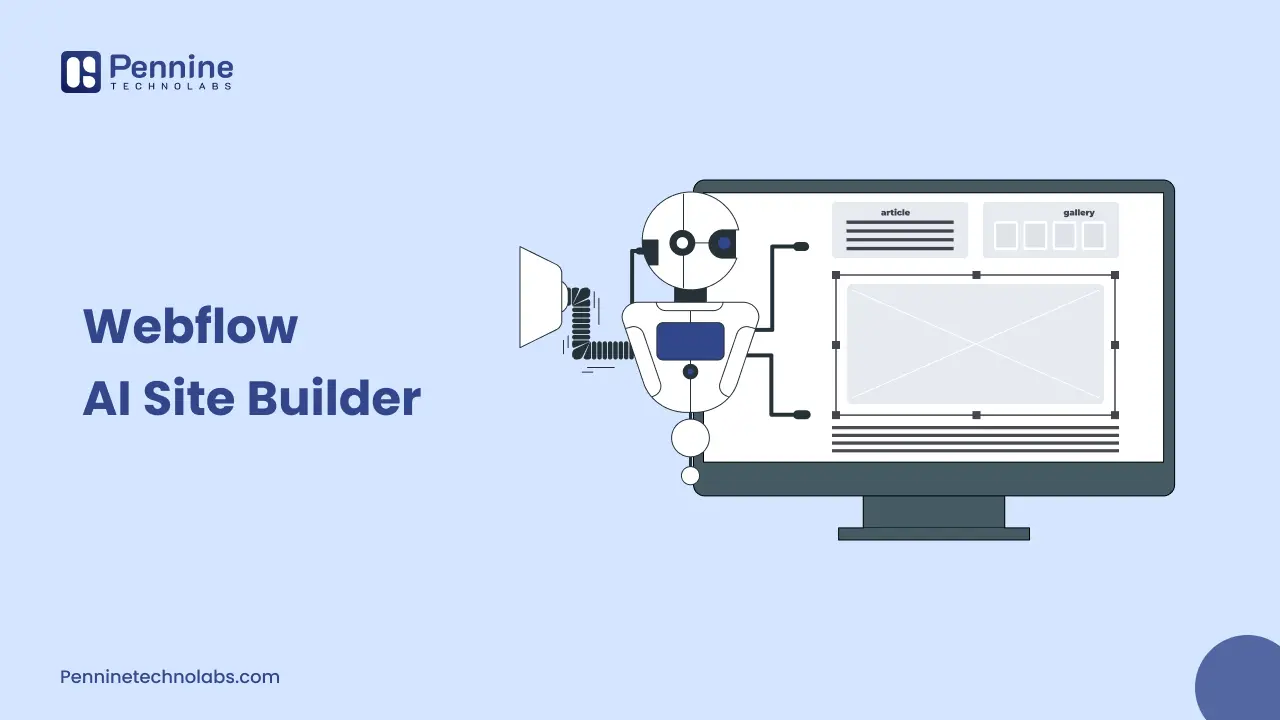
Strip away the marketing, and here’s the practical reality: Webflow AI Site Builder takes a text prompt and returns a complete, editable Webflow project. Not a mockup. An actual multi-page site with layouts, typography, animations, and components all built on Webflow Flowkit, the platform’s modular CSS framework.
That last detail matters. Sites built on Flowkit start with a real design system in place, spacing tokens, type scales, colour variables, and reusable components. Six months later, when you need a new campaign page or a regional variant, you’re adding to something that already exists, not starting over.
Webflow Key Features That Impact Scale
Multi-Page Generation cuts the blank canvas phase from weeks to hours. Five structured pages, consistent navigation, coherent layouts, and a working style system out of a single prompt.
AI Copy Generation handles placeholder content within the Designer, keeping copy and design reviews in a single pass rather than two.
SEO and AEO Automation run sitewide audits and automatically fill gaps in meta titles, alt text, schema markup, and heading hierarchy. Webflow outputs semantic HTML and an llms.txt file out of the box, which matters if you want your content to show up in Perplexity, ChatGPT, or Google’s AI Overviews, not just traditional search results.
Webflow Optimize natively integrates A/B testing and personalization into the platform, so marketing teams can iterate on conversions without filing dev tickets or managing third-party scripts.
Webflow Localization handles multi-region expansion with machine-learning-powered translation, locale-specific metadata, and regional routing, directly relevant for businesses serving the USA, UK, Australia, and Germany through a centralized delivery model.
Webflow Platform Tools and Technologies
Webflow CMS – a flexible, API-driven content management system supporting dynamic collections, relational data, and AI-generated content at volume
Webflow MCP Server – connects AI tools such as Claude and Cursor directly to Webflow project structures and CMS via APIs, enabling agentic content operations, design refactoring, and CMS management workflows.
Webflow Marketplace integrations – including Adobe Express for visual assets, Jasper for on-brand content generation, and Relume for AI-assisted site building
Automation middleware – Zapier, Make.com, and n8n connect Webflow CMS to external platforms, including HubSpot, Salesforce, and Mailchimp, enabling automated lead routing, content publishing workflows, and CRM synchronization.
Webflow Localization – multi-locale management with locale-specific metadata, images, and routing behavior, supporting regional expansion without platform migration
How to Scale Using Webflow AI: Step-by-Step
-
Start with architecture, not a prompt.
Know your page types, CMS collections, target locales, and conversion goals before touching the builder. The more specific your input, the more usable the output.
-
Generate the multi-page foundation
Your business context, the pages you need, and how you expect users to navigate through the site. What you get back isn’t a rough sketch; it’s a working project, complete with real pages, functional components, and a style system already in place.
-
Lock in the design system
Go through the generated output and set your spacing, type scale, and colour variables properly. Convert repeated layouts into reusable symbols. This is what separates a site that scales cleanly from one that accumulates technical debt page by page.
-
Model the CMS for future volume
Set up collections to handle what you’ll need in 6 months. Before going live, add real content to your CMS collections or keep it close by. Templates that look fine with placeholder text often break when actual titles, descriptions, and images are added. Catch that before launch, not after.
-
Build AEO into templates
Direct answers positioned early on the page, FAQ schema embedded in templates, descriptive headings, and clean semantic markup throughout. Webflow handles the markup. How you organize and prioritize the actual content is still a human call.
-
Activate Localization
For Germany, especially, this means more than translation compliance, language, different proof points, and regionally appropriate imagery.
Business Benefits with Webflow AI
| Benefit | Impact |
|---|---|
| Speed to Launch | Weeks of setup work get cut down to days |
| Design Consistency | Flowkit tokens keep every new page visually aligned |
| Content Scaling | AI populates CMS collections so your team isn’t doing it manually |
| AEO Readiness | Clean semantic output helps your content surface in AI-generated answers |
| Global Reach | Localization handles regional variants without a separate platform |
When does AI hit its limit?
Webflow AI is genuinely good at generating structure. What it won’t do is tell you whether that structure is actually right for your business.
CMS architecture that holds up at thousands of items, enterprise backend integrations, performance optimization around third-party scripts and animation overhead, accessibility compliance under regional standards, none of that gets solved by typing a better prompt. That’s where Webflow CMS Designers and experienced developers carry the project forward.
When you hire Webflow developers, you’re adding the layer of judgment that determines whether a site scales or stalls. Pennine Technolabs delivers Webflow Development Services to clients across the USA, UK, Australia, Germany, and India, with execution managed from India through dedicated teams covering development, design, QA, and integrations. For organizations that need a full Webflow Development Company to take a build from architecture through production, or want to hire a Webflow expert to oversee a migration or enterprise rollout, that strategic layer is what separates good launches from ones that compound over time.
Webflow AI vs. Traditional Development
| Factor | Webflow AI + Webflow | Traditional Development |
|---|---|---|
| Time to First Draft | Hours to days | Weeks |
| Design System | Built-in from generation | Manually enforced |
| SEO and AEO | Automated audits and output | External tools required |
| A/B Testing | Native via Webflow Optimize | Third-party setup |
| Localization | AI-powered, multi-locale | Custom build required |
| Iteration Speed | Real-time edits, instant publish | Deployment pipeline dependent |
Conclusion
Webflow AI Site Builder changes the economics of web development not by replacing strategic thinking, but by compressing the time between thinking and having something real to work with.
The businesses pulling ahead in 2026 treat AI as the accelerant and strong Webflow Development in USA. Move fast without a proper foundation, and you spend the next year fixing it. Build carefully, but too slowly, and the window closes. Getting both right at the same time, that’s what actually compounds.
FAQ on Webflow AI
What is the Webflow AI Site Builder?
Type in what you need, and Webflow returns a working multi-page site layout, components, design system, and all. You take it from there.
Is Webflow suitable for enterprise-level sites?
Large teams, high traffic, strict access controls. Webflow’s enterprise plan is built for that. CMS limits are higher, hosting runs on Cloudflare’s edge, and you get proper role-based permissions across the team.
How does Webflow AI handle SEO and AEO?
It automatically handles the technical stuff: schema, meta tags, semantic HTML, and site audits. Your content ends up with a solid foundation, whether someone finds it through Google or an AI answer engine.
Do I still need developers if I use Webflow AI?
For anything serious, high CMS volume, integrations, performance work, custom logic, yes. AI gets you a strong starting point; developers make it production-ready.
Where can I find reliable Webflow Development Services?
Pennine Technolabs has delivered Webflow projects for clients across the USA, UK, Australia, Germany, and India. The international experience is already built in.