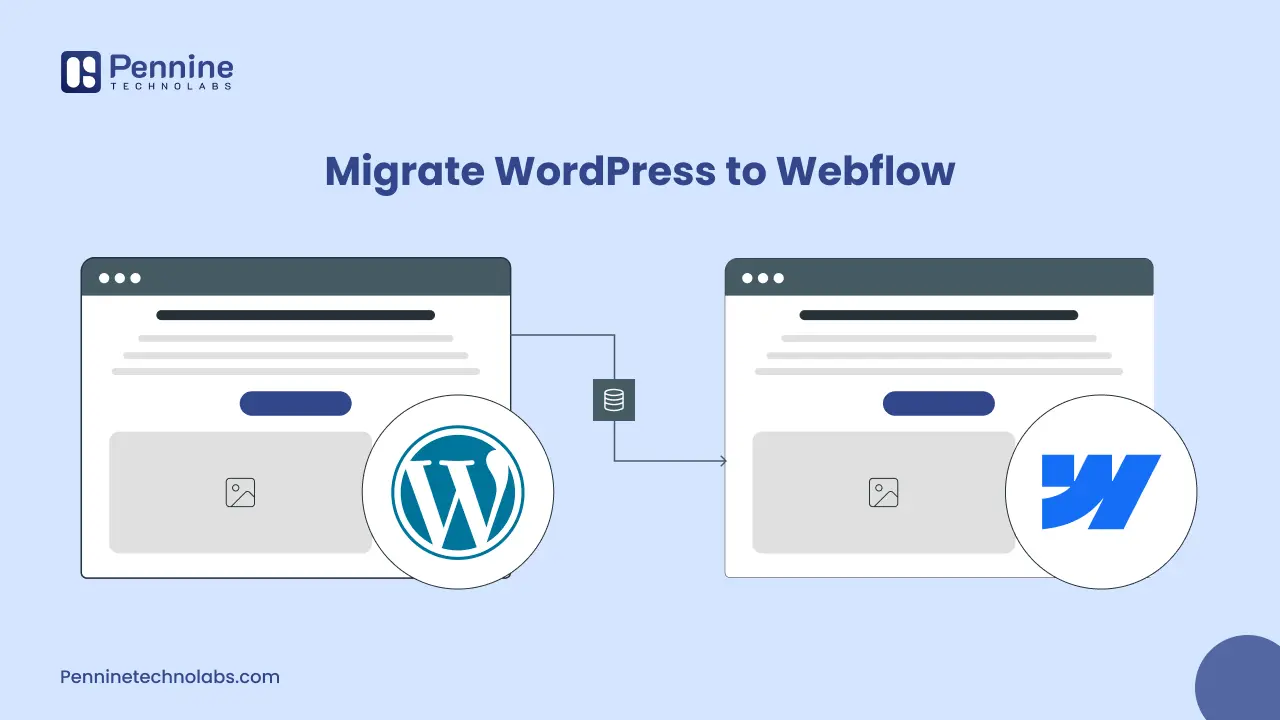
Quick Summary: Migrating to Webflow offers significant benefits, including improved performance, stronger security, and greater design flexibility. This guide explains how to migrate safely while preserving SEO, and how professional Webflow development services can ensure a seamless transition without any data loss.
Website migration is a serious process for expanding businesses. Web app development companies in the USA are migrating away from WordPress due to plugin dependencies, security vulnerabilities, and performance issues. Webflow is a new competitor that has become a strong alternative, offering visual development, clean code, and scalable CMS capabilities.
Migration should, however, be done in a careful manner. The inefficient transition may lead to broken links, loss of SEO ranking, missing content, and downtime. That is where Webflow Development by experts is critical.
To help you safely move WordPress site to Webflow, we shall take you through this guide on what to be wary of and at what point you should work with a reputable Webflow Development Agency to have safe outcomes.
Why Businesses Are Migrating from WordPress to Webflow
To immerse in the migration process, it should be known why organizations prefer to use Webflow:
- Accelerated loading of pages with clean code.
- No third-party dependency.
- Hosting and in-built security.
- Developed Webflow design services with a high level of visual control.
- The website can be developed on a flexible content approach through Webflow CMS.
Webflow is a future-proof platform for businesses that value speed, scalability, and the ease of long-term maintenance.
Step-by-Step Guide for WordPress to Webflow Migration
Moving to Webflow, it is necessary to have a systematic way of migration to not lose the SEO, linking posts, or content. Pennine Technolabs WordPress to Webflow migration service ensure a smooth, secure, risk-free migration.
1. Audit Your Current WordPress Website.
Begin by examining your existing WordPress:
- Categories, pages, blog posts, and tags.
- Metadata (titles, descriptions, alt texts) of SEO.
- Internal linking structure URLs and internal linking structure.
- Forms, integrations, and Plugins.
This audit involves no important areas being overlooked in the Webflow Development process.
2. Plan the Webflow Site Structure
Webflow does not use themes, unlike WordPress. Instead, construction is done graphically.
Key planning elements:
- Page hierarchy
- Blogs, services, case studies: CMS collections.
- Redirect technique of old URLs.
- Design consistency using Webflow design services
The arrangement is done by a professional Webflow Expert who makes sure that the structure is usable and SEO-friendly.
3. Rebuild Design Using Webflow’s Visual Editor
Webflow hardly supports the direct translation of WordPress themes. The site will have to be constructed afresh.
This stage focuses on:
- Recreation/redesigning of pixel-perfect UI.
- Mobile responsiveness
- Improved UX
- Clean HTML/CSS output
Most businesses choose to hire Webflow designers at this stage to ensure consistent layouts and avoid performance-related issues.
4. Migrate Content into Webflow CMS
Migration of content is not based on copy-paste.
Best practices include:
- Developing CMS collections on blogs, pages, and testimonials.
- Maintaining headings and format.
- Importing content via CSV
- Structuring dynamic content using Webflow CMS development.
This is streamlined without any loss of data by the experienced Webflow Developers.
5. Preserve SEO with Proper Redirects
The primary risk associated with website migration is potential damage to SEO.
Critical SEO tasks:
- Find match URL structures where possible.
- Migrate 301 redirects in WordPress to Webflow.
- Retain metadata and schema
- Submit updated sitemaps
An efficient Webflow Development Agency will make sure that there are no further changes in search positions after the migration.
6. Functionality of Tests before launch.
Testing should cover:
- Forms and submissions
- Medicaid filtering and pagination
- Page speed
- Mobile responsiveness
- Cross-browser compatibility
Webflow Developers are hired by many businesses solely for QA and pre-launch testing.
7. Establish and Track Performance
Once live:
- Keep track of the traffic and rankings.
- Track broken links
- Analyze bounce rates
- Maximize CMS collections when necessary.
A long-term, regular Webflow development services partner would fit into the post-launch optimisation phase.
WordPress vs Webflow: Quick Comparison
The main difference in the purpose of WordPress and Webflow is that it will help businesses decide on the appropriate platform to enable them to perform, grow at a proper rate, and long-term. The following comparison brings about the differences between the two platforms in terms of design, security, and maintenance.
| Feature | WordPress | Webflow |
|---|---|---|
| Security | Plugin-dependent | Built-in |
| Design Flexibility | Theme-limited | Full visual control |
| Performance | Plugin-heavy | Clean, fast code |
| CMS | Plugin-based | Native Webflow CMS development |
| Maintenance | Frequent updates | Minimal upkeep |
Also Read: Webflow vs WordPress: The best Platform
WordPress to Webflow Migration checklist SEO
When moving a site from WordPress to Webflow, it is essential to plan strategies to avoid losing positions and organic traffic. A thorough SEO analysis should be conducted to identify key pages, keywords, and existing metadata before beginning the migration. The same URL format should be used wherever possible to ensure that search engines can easily identify the pages of the new platform.
- URLs migration process
- 301 Redirects
- Keywords Update
- Meta Tags
- XML Sitemaps
- Indexing status
- Image SEO
- Rebuild Internal Links
- Rankings and Traffic
WordPress to Webflow Migration Cost
The price of migrating WordPress zu Webflow would vary based on the site’s size, design complexity, and the volume of content to be transferred. SEO migration, redirect mapping, design rebuild, and CMS configuration are among the factors that may affect the cost of the entire project. Although the migration may need an initial investment, Webflow offers performance that is faster and built-in hosting, along with increased security and simplified management of the site, which makes most businesses migrate to Webflow.
| Website Type | Description | Estimated Migration Cost |
|---|---|---|
| Small Website | Basic business website with up to 10 pages and a simple design | $500 to $1,500 |
| Medium Business Website | Websites with 10 to 50 pages, blog content, and CMS collections | $1,500 to $5,000 |
| Large CMS Website | Large websites with dynamic content, complex layouts, and integrations | $5,000 and above |
When Should You Hire Webflow Professionals?
Although website migration is not a good DIY when:
- Your site has high traffic
- SEO rankings are critical
- You have complex CMS data
- You desire design enhancements.
Choosing the right Webflow professionals helps avoid common pitfalls and ensures the site is built according to best practices.
Webflow Developers For Hire with timezone alignment and constant maintenance are the popular choice of businesses in the USA, Canada, the UK, and Australia.
Common Mistakes to Avoid During Migration
The prevention of these errors can make the Development process of the Webflow a smooth process.
- Ignoring SEO redirects
- The reconstruction without CMS planning.
- Over-customizing layouts
- Not testing CMS collections
- Selecting incompetent Webflow Developers.
How Pennine Technolabs Can Help
The idea of migrating WordPress to Webflow is a wise solution; however, it is only if done correctly. The content organization, security of the content on the SEO, and the design are all important.
Pennine Technolabs is a reputable WordPress to Webflow Agency that provides complete Webflow development services to businesses in Canada. We have certified Webflow Experts and skilled WordPress Developers, as well as creative designers, who make sure that the migration is safe, scalable, and SEO friendly.
Whether you need specialized Webflow support or a complete CMS build, Pennine Technolabs delivers measurable results without disrupting your operations.
FAQs on WordPress Migration
How long does a WordPress to Webflow migration take?
The migration time depends on the size of the website; small ones can take about 1 to 2 weeks, whereas large blogs or CMS content websites may take 2 to 4 weeks or more.
Does Webflow support WordPress plugins?
No, Webflow does not support WordPress plugins. It has built-in features such as SEO, hosting, security, and design, eliminating the need for external plug-ins.
Will SEO be affected during the migration process?
SEO can also be maintained in case the migration is managed properly. Maintaining URL structure, using 301 redirects, and preserving metadata are effective ways to safeguard rankings and traffic.
Is it possible to migrate WooCommerce to Webflow?
WooCommerce is not migratable, but it is possible to transfer products and content and recreate them with Webflow Ecommerce or through other integrations.
Is Webflow better than WordPress?
These two platforms have advantages. Webflow is easier to design and includes built-in hosting, whereas WordPress is more flexible for customization and plugin availability.
How to Migrate to Webflow Website?
Migrating a website to Webflow involves auditing the existing website, exporting content, rebuilding the design in Webflow, migrating pages and CMS content, and setting up SEO elements like redirects and metadata.