An agency spends three weeks building a CRM for a real estate brokerage: enquiry forms, buyer and seller pipelines, a viewings calendar and follow-up workflows. A second brokerage signs up wanting something similar, so someone rebuilds it by hand. Six months on, the original has been improved twice, the second client still runs the first draft, and nobody is sure which follow-up workflow is the right one.
GoHighLevel snapshots solve the first half of that problem by making a configuration reusable. The second half, keeping it accurate over time, is what GHL snapshot maintenance is about.
What Are GHL Snapshots and How Do They Work?
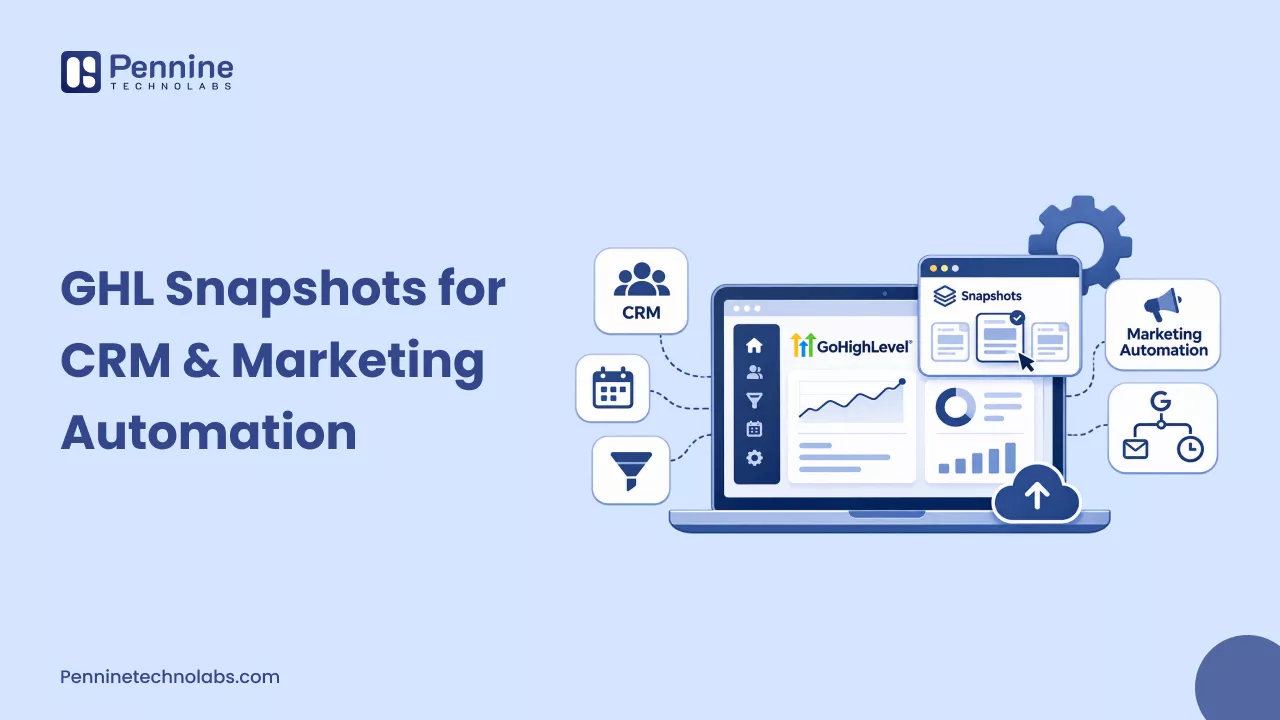
A GoHighLevel snapshot is a reusable template of a sub-account’s configuration. You do not build one directly. You build a sub-account, then create the snapshot from it in Agency View under Account Snapshots, selecting every asset or only some. HighLevel lists workflows, funnels, calendars, forms, emails, triggers, custom fields, and custom values among the supported assets.
Just as important is what stays behind. Contacts, appointments, conversations, reputation data, Stripe connections, and integrations are not included. A snapshot copies how an account is set up, never its data or connected services, so every client still needs a short onboarding checklist. Agencies who want ready-made starting points can compare GoHighLevel snapshots for agencies.
Why GHL Snapshot Maintenance Matters
A snapshot is a point-in-time copy. HighLevel states that changes made in a sub-account do not update an existing snapshot automatically, and a refreshed snapshot does not rewrite the accounts that already loaded it. That leaves three versions of the truth: the live build, the packaged snapshot, and each installed copy.
Drift usually comes from ordinary changes, such as a renamed pipeline stage, a form with a new qualifying question, or a workflow patched in one client account and never in the template. Test assets and abandoned drafts add clutter that then gets copied everywhere. Edit Snapshot lets you unlink assets from future pushes, and Version History shows what was added, removed, or synced after each refresh. Neither keeps client accounts in step on its own, but both make a template easier to audit.
How a Real Estate GHL Snapshot Supports CRM and Marketing Automation
A real estate GHL snapshot is easiest to understand through the daily routine it supports. Picture an agency that sets up GoHighLevel for independent estate agencies, each with a handful of agents. Its master sub-account is built on one rule: every enquiry lands somewhere visible with a next step attached.
From enquiry to qualified lead
A property enquiry form captures contact details plus custom fields such as property reference, budget range, buying timeline, and whether the person is buying, selling or renting. Submitting it triggers a workflow that tags the contact, creates an opportunity in the right pipeline, sends an acknowledgement and notifies the agent. A branch separates a buyer ready to view this month from a seller asking for a valuation, so each receives a different follow-up.
Buyer and seller pipelines
Buyers and sellers move through different stages, so they get separate pipelines. The buyer pipeline might run from New Enquiry to Qualified, Viewing Booked, Viewing Completed and Offer Stage, while the seller pipeline runs from Valuation Requested to Valuation Booked and Listing Agreed. Because those stages live in the snapshot, every brokerage reports on the same structure, and the agency can compare accounts without translating between naming schemes.
Viewings, follow-up and nurture
A viewings calendar with a booking link replaces the back-and-forth over availability. When a viewing is booked, a workflow sends the confirmation and reminder and moves the opportunity forward. If a viewing is completed and nothing happens within a few days, the workflow adds a task for the agent to call, so follow-up no longer depends on memory. You can tag contacts who aren’t ready for months as long-term and place them in a nurture workflow that sends emails the agent wrote, keeping their name in front of people until the timing suits them.
Custom values hold client-specific details, such as the agency name, office number, and booking link, and HighLevel’s push documentation states that an update never edits or deletes them. A new deployment then mostly means updating those values rather than rebuilding anything.
Two limits are worth stating plainly. A snapshot does not synchronise property listings, because listing feeds and portal connections are integrations, which are not included and must be connected in each account. And the same setup does not guarantee better results on its own, since follow-up quality and response speed still decide that.
How to Update a GoHighLevel Snapshot Without Creating Configuration Issues
To update a GoHighLevel snapshot safely, change the source sub-account first, test it, refresh the snapshot, and only then push or load it into client accounts in a controlled way.
- Review the current snapshot. Open the snapshot’s assets and Version History, then list what has changed in the live build and what should be retired.
- Update the source sub-account. Make edits in the template account, never directly in client accounts, and remove test assets that should not travel.
- Test the revised assets. Submit the form with a test contact, book a viewing, and confirm that triggers, pipeline moves, and notifications behave as expected.
- Refresh the snapshot. In Account Snapshots, click the Refresh icon and select the new or modified assets. Each successful refresh creates a new version, and failed assets can be retried. If a refresh removes a step from a workflow created from a snapshot, contacts waiting on that step are removed from it.
- Review the destination accounts. Decide between pushing and loading. Push Updates goes to sub-accounts in your own agency that previously loaded the snapshot, and you choose the accounts and assets. New assets are added, but existing snapshot-created assets are overwritten, so manual edits to them are reverted, while copies a user made themselves are left alone. Loading into an existing account adds items without deleting anything, but loading the same snapshot twice creates duplicates. Accounts in other agencies cannot receive pushes and need a new share link.
- Check for unintended changes. Push to one pilot account first, then confirm workflows are published, pipelines and calendars are intact, and custom values are still correct before widening the rollout.
Version History is for visibility, and HighLevel notes it has no built-in revert, so keep a record of the previous configuration before a large push. This behaviour is documented in the latest help articles, so recheck them before a major rollout.
Common GHL Snapshot Maintenance Mistakes
Assuming installed accounts update themselves: They do not. A refresh updates the snapshot, and pushing or loading is a separate, deliberate action.
Pushing over customised accounts: Since a push overwrites snapshot-created assets, a client’s tweaks to an enquiry workflow can disappear. HighLevel suggests duplicating the asset, letting the client edit the copy and pointing their automations at it, because copies sit outside the snapshot’s tracking.
Loading again to update: A second load adds a second set of items rather than refreshing the first.
Skipping tests: A broken trigger in the template is replicated in every account that receives it, so ten minutes with a test contact is cheap insurance.
Overlooking account-specific settings: Connected services are not transferred, and custom values still hold whatever the template contained until someone changes them.
Duplicating without checking: Near-identical workflows named final and final 2 confuse every later reviewer, so look at what exists before copying.
When Should an Agency Review Its GHL Snapshot?
Events are better triggers than calendar reminders. Review the snapshot when:
- you add a service, such as property management alongside sales
- lead handling changes, for example, a new qualification question or a different stage order
- follow-up timing, channels, or automation logic change
- the same post-deployment fixes keep appearing in new accounts
- HighLevel changes snapshot or workflow features your template relies on
A growing onboarding checklist is usually the snapshot telling you something.
Keeping Reusable Configurations Worth Reusing
A snapshot saves time only while it reflects how the agency actually works. Agencies that get lasting value from them refresh deliberately, test before pushing, and keep a record of what each version contains, so every new client starts from the best version of the build rather than the oldest one.
If your team would rather not carry that process alone, Pennine Technolabs works with agencies and businesses on GoHighLevel development, including CRM configuration and automation requirements. A conversation about your current template, whether for real estate or another vertical, is a reasonable place to start.