Quick Summary: You know when it’s time to migrate from a legacy CMS, the risks of delaying the move, and the step by step migration process. We cover essential SEO considerations, common migration mistakes to avoid, and how a modern CMS can improve website performance, security, scalability, and long term business growth without sacrificing search rankings.
Well, in case your team is planning a CMS migration this year, you are probably trying to answer one simple question. Should you move away from your legacy CMS now, or wait a little longer? This article explains exactly when a CMS migration makes sense, how the process works, and what mistakes to avoid along the way.
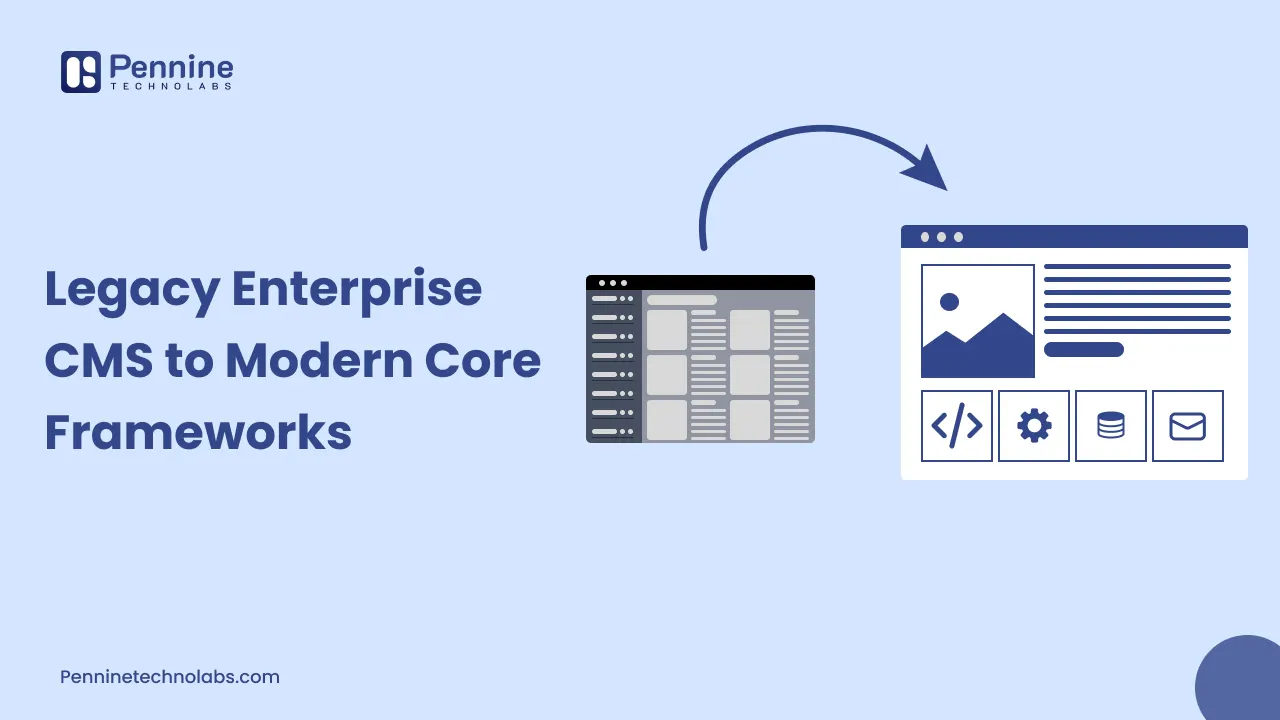
A legacy CMS platform was probably a good choice when you first set it up. But technology moves fast, and many older systems now struggle with speed, security, and integration needs. This is why CMS migration has become such a common project for growing businesses today.
Signs Your Legacy CMS Is Slowing Down Your Business
Most businesses do not wake up one day and decide to migrate. It usually happens gradually. Here are the signs that usually come first.
Your website feels slower every year. Legacy CMS platforms are often built on older code. Adding new features on top of old code usually makes pages heavier and slower over time.
Developers avoid touching the codebase. If your team hesitates before making even small changes, that is a clear sign the system has become fragile.
Plugins and extensions keep breaking. Older CMS platforms depend heavily on third party plugins. When these plugins stop getting updated, compatibility issues start piling up.
Security patches are delayed or unavailable. This is one of the most serious warning signs, and we will explain why in the next section.
Mobile experience feels outdated. Many old CMS templates were never designed with mobile first principles, so they generally look and behave poorly on phones.
Content teams struggle with the editor. If writing a simple blog post takes twenty minutes because of a clunky interface, your CMS platform is costing you productivity every single day.
Why Delaying CMS Migration Can Actually Cost You More
Businesses often delay a CMS migration because it feels disruptive. But waiting usually creates bigger problems later, especially around security and cost.
CISA has repeatedly warned that unsupported software increases the chance of data breaches, since vendors stop releasing security patches once a product reaches end of life. Continued use of such software can also create compliance problems, because many industry regulations require organizations to run secure, actively supported systems.
There is also a cost angle here. Keeping an old system alive often needs custom workarounds, extra developer hours, and constant firefighting. Over time, this usually costs more than a planned CMS migration would have.
What Happens During a CMS Migration
A CMS migration is not just about changing the software behind your website. It usually involves your content, your design, your integrations, and most importantly, your search rankings. Here is how the process generally works.
Step 1: Audit Your Existing CMS Platform
Before moving anywhere, your team needs a full picture of what already exists. This means listing every page, every URL, every template, every integration, and every piece of content that needs to move.
Google’s own Search Central documentation explains that site migrations should start by mapping every existing URL, since this mapping becomes the foundation for redirects later in the process. Skipping this step is one of the biggest reasons migrations lose search traffic.
Step 2: Choose the Right Modern CMS Framework
Not every modern CMS platform suits every business. Some companies need a headless CMS for flexibility across web and mobile apps. Others need a simpler, content-first platform. This decision should depend on your team’s technical skills, your content volume, and your future growth plans. If your current setup runs on WordPress and you are only looking to modernize the same platform rather than switch entirely, Pennine Technolabs’ WordPress development services can also be worth exploring.
Step 3: Plan Your URL Structure and Redirects
This step decides whether your CMS migration protects your SEO or damages it. A proper migration needs one to one redirects from old URLs to new ones, rather than redirecting everything to the homepage. Sending old pages to a generic homepage breaks the topical signal search engines had built for that specific page.
Step 4: Migrate Content in Stages
Instead of moving everything at once, most experienced teams migrate content in smaller batches. This makes it easier to catch formatting issues, broken links, or missing images before they affect your live website.
Step 5: Test Thoroughly Before Going Live
Testing should cover page speed, mobile responsiveness, forms, checkout flows if applicable, and every redirect you have set up. A CMS migration that skips proper testing usually creates problems that are far more expensive to fix after launch.
Step 6: Submit Changes to Search Console and Monitor Closely
Once your new CMS platform is live, use Google Search Console’s Change of Address tool if your domain has changed. This tool tells Google to prioritize crawling your new site and helps forward existing ranking signals for a period of time. After launch, keep a close eye on crawl errors, indexing status, and organic traffic for at least a few weeks.
Mistakes That Can Hurt Your SEO During Migration
A CMS migration done carelessly can undo years of search engine progress. Here are mistakes that come up again and again.
- Redirecting every old URL to the homepage instead of the matching new page
- Forgetting to update internal links after the migration
- Changing URL structure without any redirect plan at all
- Not testing the new site on mobile devices before launch
- Removing old content without checking its search performance first
- Ignoring page speed on the new CMS platform, assuming it will automatically be faster
Google’s Search Central blog has specifically called out blanket homepage redirects as a mistake, because it denies users a consistent experience and causes search engines to lose the specific topical value of the original page. Avoiding this single mistake alone can save your business months of recovery time.
How a Modern CMS Framework Helps Your Business Grow
Once the migration is complete, most businesses notice the difference fairly quickly. Here is what usually improves.
Better page speed. Modern frameworks are generally built with performance in mind from day one, unlike older systems carrying years of added code. If speed is your main concern right now, it is worth checking Pennine Technolabs’ WordPress speed optimization service before deciding on a full migration.
Stronger security. A modern CMS platform receives regular updates and patches, which directly reduces the kind of risks CISA has repeatedly warned businesses about.
Easier scaling. As your business grows, a modern CMS platform can usually handle more traffic, more content, and more integrations without constant rebuilding.
Better developer experience. Clean, modern codebases are easier for developers to work with, which usually means faster feature releases and fewer bugs.
Improved content management:- Editors and marketing teams often find modern CMS platforms far easier to use for daily publishing, and this is generally where Pennine Technolabs’ application modernization services can support the transition.
Questions Businesses Usually Ask Before a CMS Migration
How long does a CMS migration usually take?
This depends on the size of your website. A smaller business site may take a few weeks, while a large enterprise platform with thousands of pages can take several months.
Will a CMS migration affect my search rankings?
It can, temporarily. Migrations often bring short term fluctuations, but a properly planned migration with correct redirects should recover its rankings over time.
Do we need to migrate all content at once?
No. Many businesses migrate in phases, starting with the highest traffic pages first.
Is a headless CMS always better than a traditional CMS platform?
Not always. It depends on whether your business needs flexibility across multiple platforms like web, mobile apps, and kiosks, or whether a simpler traditional setup already meets your needs.
What is the biggest risk of staying on a legacy CMS?
Security is usually the biggest risk. Unsupported software stops receiving patches, which leaves known vulnerabilities open for attackers to exploit.
Concluding It All For You
A CMS migration is rarely urgent on the surface, but the risks of delaying it tend to grow quietly in the background. Slower pages, security gaps, and rising maintenance costs are usually the first signs that your legacy CMS platform needs attention.
The good part is that a CMS migration does not have to be chaotic. With proper URL mapping, careful redirects, and a phased content migration plan, most businesses move to a modern CMS platform without losing their search visibility or their audience. Ongoing support after launch also matters, and Pennine Technolabs’ website maintenance service is built exactly for that stage.
Planning a CMS Migration? Team Pennine Technolabs Is Always Just a Call Away
If you are still unsure whether your business is ready for a CMS migration, it usually helps to talk it through with people who have handled this process before. Pennine Technolabs works with businesses across enterprise software development, web development, and cloud solutions, and has helped teams move from outdated systems to modern, secure CMS platforms without disrupting daily operations.
Whether you need a full audit of your current legacy CMS, help choosing the right framework, or support planning your redirects and testing, our team can walk you through it step by step. Reach out to Pennine Technolabs whenever you are ready to plan your CMS migration properly.